Weekly Etsy payout check versus month-end reconciliation
Last updated: 2026-07-28
Written and reviewed by Seller Profit Guard Editorial Team.
A weekly payout check explains one deposit window and catches urgent exceptions; a month-end reconciliation proves the full opening-to-closing account bridge and rolls unresolved items forward. Use the same row classifications and matching evidence, but do not reuse the same cut-off, completeness claim, or approval decision for both reviews.

What stays the same across both reviews?
Both reviews preserve source files, normalize dates, signs, currency and categories, match sales using stable references, keep deposits separate, and classify refunds, fees, labels, reserves, adjustments, timing, and unresolved rows. Both retain an exception log and avoid treating account movement as product profit.
The matching engine and category dictionary should be versioned once. If the weekly routine uses a different definition of sale, fee, or refund from month-end, the two reports cannot be reconciled. Any manual override should appear in both when their periods overlap.
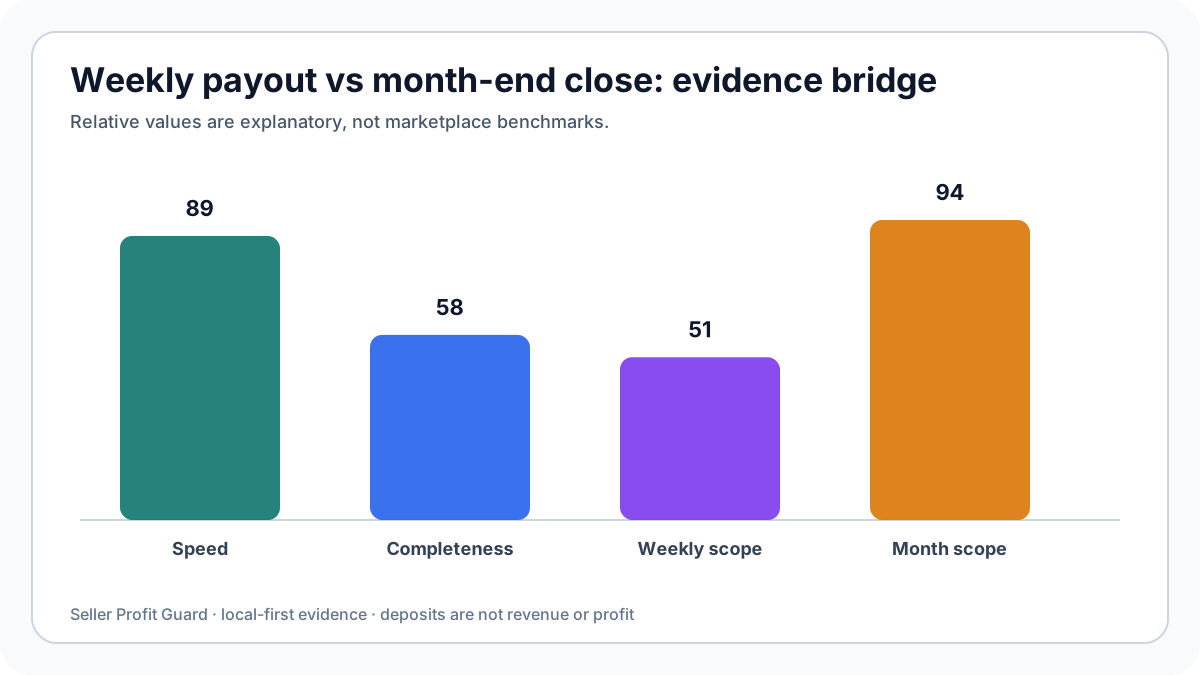
| Dimension | Weekly payout check | Month-end close |
|---|---|---|
| Primary question | Why did this deposit move? | Does the full period bridge? |
| Cut-off | Deposit-centered evidence window | Frozen complete month |
| Opening/closing balance | Helpful context | Required control |
| Exceptions | Urgent queue | Aged roll-forward |
| Approval | Operational follow-up | Period close |
| Reopen rule | Next routine run | Dated change control |
Why should the date windows differ?
A weekly payout can include activity posted before or after a simple seven-day sales filter. Use the evidence window required to explain availability and transfer. Month-end uses a defined calendar or accounting period while retaining legitimate subsequent evidence as timing support.
Do not shift month-end boundaries merely to make a deposit fit. Preserve actual event and transfer dates. Link later evidence to the original exception through the roll-forward log.

Which review should trigger seller action?
Use weekly review for failed or unexpected deposits, high-value unmatched sales, sudden fee or refund patterns, and data-mapping failures. Use month-end for complete balance agreement, aged exceptions, repeated rule overrides, and control changes. A critical account-specific issue should not wait for month-end.
Product pricing and margin decisions require a separate contribution review. Reconciliation can identify a fee, refund, or shipping movement that should feed the cost model, but a matched payment row does not approve a price.
- Weekly optimizes detection speed.
- Month-end optimizes completeness and continuity.
- Both use the same classification dictionary.
- Neither turns a deposit into revenue.
- Both preserve unresolved evidence.
Weekly versus month-end questions
Can weekly checks replace month-end? No. They may omit the complete opening-to-closing bridge and aged exception roll-forward.
Can month-end replace weekly alerts? It can be too late for a failed deposit or high-impact mapping defect.
Should both use identical reports? Reuse evidence definitions, but present scope-specific controls and decisions.
What if totals disagree? Compare source versions, cut-offs, normalized categories, overrides, and included currencies.
Which result is authoritative? Each is authoritative only for its documented question, source set, period, and approval scope.
How can weekly and monthly reports reconcile with each other?
Tag every weekly run with source fingerprints, actual row coverage, mapping version, and exception snapshot. At month-end, import or reference those snapshots without summing weekly headline totals, because their evidence windows can overlap. Reconcile the final month directly from the frozen monthly source, then use weekly history to explain when exceptions first appeared and how they changed.
A deposit observed in a weekly run can remain a current-month cash transfer while its underlying account activity spans earlier dates. A refund first seen late in the month can relate to an older sale. The month-end bridge preserves actual event categories and dates rather than assigning everything to the week in which it was reviewed.
Differences between weekly and monthly classification require a change note. Common causes include later evidence, a corrected mapping, a grouped match, a changed source, or an exception aging out of timing status. Silent reclassification breaks continuity even when the closing total is correct.
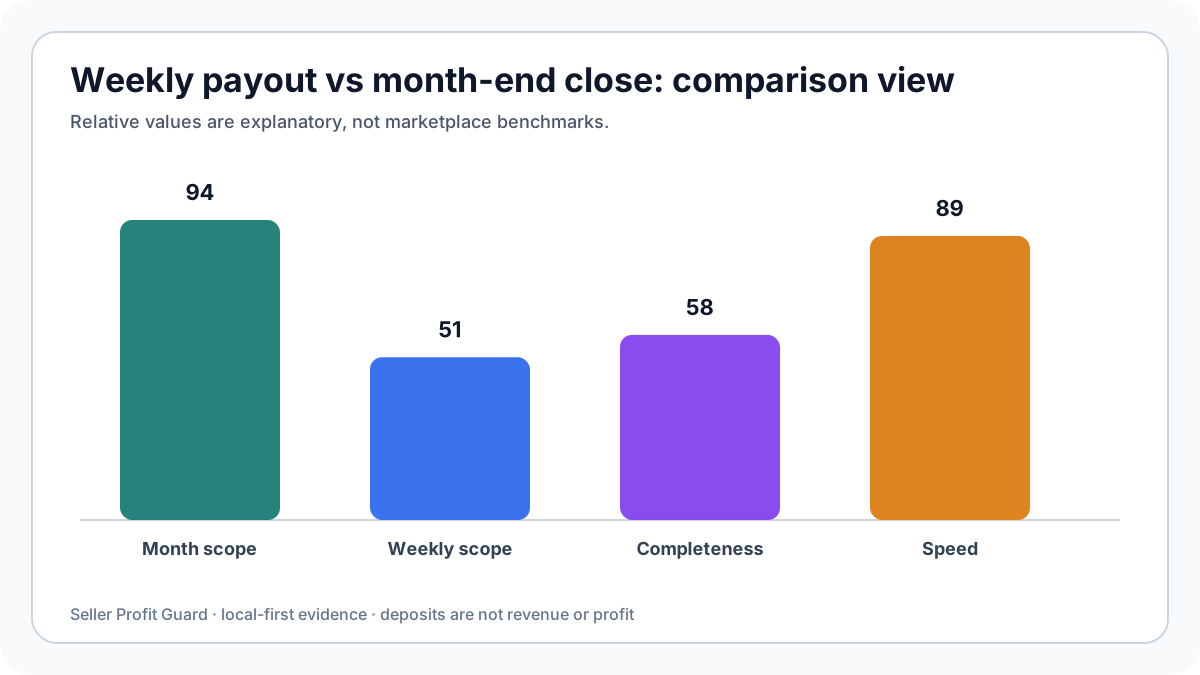
Which records make this weekly versus month-end comparison defensible?
Use three evidence layers without merging their jobs. Order exports explain what sold and at what line-item grain. Payment Account or monthly-statement activity explains sales, fees, refunds, shipping labels, advertising, reserves, adjustments, and deposit movements. The bank confirms cash received. Private SKU, labor, packaging, fulfillment, and replacement costs belong in a separate contribution review; they do not repair a statement mismatch.
Record shop, currency, export type, requested period, actual earliest and latest row dates, download time, column map, and any filter applied before matching. Preserve signs and row categories. A net amount can help verify arithmetic, but it should not erase the components that explain the balance. If Etsy changes an export or account label, retain the raw heading and document the normalized category beside it.
A row is evidence only within its scope. An order ID can support a direct match, but a deposit is normally a transfer of available balance rather than an order-level sale. A refund can occur outside the original sale period. A shipping-label adjustment can arrive later. Keep these timing differences visible instead of forcing every row into the same day or payout.
- Preserve source files and work from a local copy.
- Normalize currency, signs, dates, and row types before matching.
- Prefer stable transaction or order references over amount-only matches.
- Retain unmatched and timing-difference rows with an owner and next review date.
- Keep profit, tax, accounting, and policy conclusions outside the tool's operating scope.
Privacy boundary for weekly versus month-end comparison
Payment reconciliation does not require publishing buyer names, delivery addresses, private messages, payment credentials, marketplace passwords, bank account numbers, or raw order histories. Use a redacted transaction key, date, category, currency, gross amount, fee, net amount, deposit reference, and match status. Keep the untouched export and bank evidence in controlled seller storage.
Seller Profit Guard is designed to process supported files locally in the browser. A reconciliation export can still reveal shop volume, fee exposure, refund patterns, reserves, and cash timing, so treat it as a confidential business record. For support, share column names and a made-up example that reproduces the mapping issue. Never paste real buyer or order rows into a public community, email draft, or AI prompt.
- Use public dummy data for demonstrations and tests.
- Remove buyer, address, message, credential, and bank-identifier fields.
- Do not copy private CSV files into the active public-content directory.
- Store source fingerprints and aggregate counts instead of raw rows in operator reports.
- Escalate tax, legal, accounting, reserve, suspension, or account-policy questions to the appropriate official or professional source.
How to apply this weekly versus month-end comparison in the reconciliation tool
Open Payment Reconciliation and load a supported order export plus the relevant Payment Account or monthly-statement export. Confirm the date, amount, currency, category, order reference, fee, refund, and deposit mappings before reading the summary. Start with source-quality warnings. A high match rate built on the wrong amount column or duplicated order-level totals is not a reliable result.
Review direct matches, unresolved sales, unresolved statement rows, refunds, deposits, fee categories, and formula checks separately. Export the private exception list and record the source period, matching rule, unresolved amount, owner, evidence requested, decision, and next review date. Re-run after late rows arrive or an adjustment is explained. The useful output is a controlled exception queue, not a promise that the account is profitable or the bank balance is correct.
- Preserve and fingerprint the source exports.
- Confirm date, currency, sign, category, and reference mappings.
- Run direct-reference matching before bounded fallback rules.
- Separate timing differences from unexplained exceptions.
- Bridge statement activity to deposits without treating deposits as sales.
- Assign every material unresolved row and retain the closing evidence.
Related resources
- Open Etsy Payment Reconciliation: Compare order exports with Payment Account or monthly-statement activity in the browser.
- Read the Etsy Payment Account reconciliation guide: Review the source hierarchy, balance bridge, row categories, and investigation sequence.
- Estimate SKU-level Etsy contribution: Keep product economics separate from the cash-movement reconciliation.
- Review local-first CSV privacy: Understand which fields are needed and which buyer or address fields should remain private.
- Read the editorial policy: See how sources, corrections, review dates, and AI assistance are handled.
Sources and further reading
- Etsy Help: Download Sold Transaction Spreadsheets: Official export workflow for order items, orders, Etsy Payments sales, and Etsy Payments deposits.
- Etsy Help: Manage Your Payment Account: Official reference for sales, fees, refunds, shipping, seller services, monthly statements, balances, and deposits.
- Etsy Help: Fees and Taxes for Selling: Official overview of fee categories and account treatment; exact charges vary by country, currency, service, and shop activity.
- Etsy Help: Issue a Full or Partial Refund: Official refund workflow and Payment Account impact reference.
- Seller Profit Guard reconciliation methodology: Evidence hierarchy, local-first data handling, contribution scope, editable assumptions, and result limitations.
Related Seller Profit Guard tools
- Open Etsy Payment Reconciliation: Compare order exports with Payment Account or monthly-statement activity in the browser.
- Read the Etsy Payment Account reconciliation guide: Review the source hierarchy, balance bridge, row categories, and investigation sequence.
- Estimate SKU-level Etsy contribution: Keep product economics separate from the cash-movement reconciliation.
- Review local-first CSV privacy: Understand which fields are needed and which buyer or address fields should remain private.
- Read the editorial policy: See how sources, corrections, review dates, and AI assistance are handled.
- Etsy Payment Reconciliation: Inputs and Match Rules: Continue the Etsy payment evidence, exception, and control workflow.
- Etsy Deposit Reconciliation: A Weekly Worked Example: Continue the Etsy payment evidence, exception, and control workflow.
- Etsy Month-End Reconciliation: Close Without Guessing: Continue the Etsy payment evidence, exception, and control workflow.
- Etsy Payment Reconciliation: 12 Errors to Fix: Continue the Etsy payment evidence, exception, and control workflow.
- Etsy Reconciliation Data: Which Export Proves What?: Continue the Etsy payment evidence, exception, and control workflow.
Next step: Open Etsy Payment Reconciliation.
This is operational planning help, not tax, accounting, legal, financial, or platform-policy advice. Review the Terms and disclaimer, and verify current platform rules and fee assumptions before changing prices.