How to set a safe overhead allocation threshold
Last updated: 2026-07-31
Written and reviewed by Seller Profit Guard Editorial Team.
Block blank or nonfinite values, negative categories, no positive recurring cost, invalid order and SKU denominators, invalid seller thresholds, nonpositive targets, invalid currency, month, or source-review date, vague scope, incomplete confirmations, or conflicts. Then Review overhead above target or seller-entered portfolio limits.
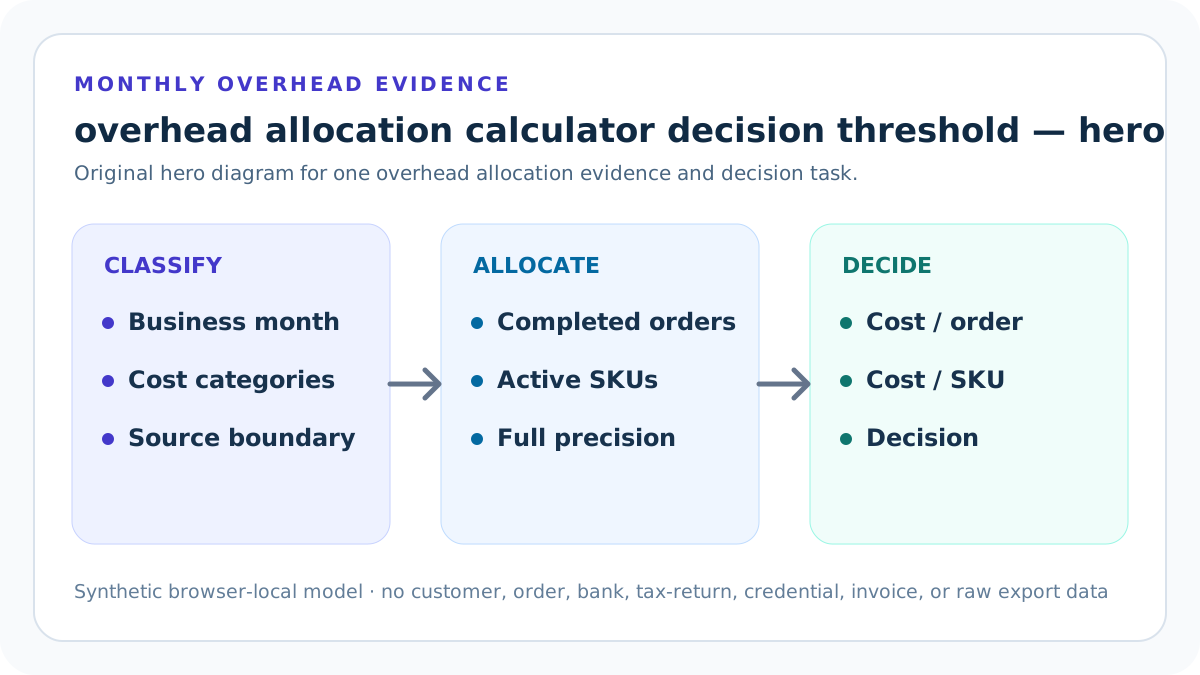
Gate 1: business-month identity
Block until business, operations, currency, month, recurring-cost convention, and protected source scope align. Gate 1 is non-compensating: encode valid range, full-precision boundary, Block or Review state, issue wording, owner, and correction. Favorable headroom cannot erase invalid classification or scope.
Test gate 1 below, at, and above its boundary and record output visibility so a non-compensating monthly allocation decision follows declared precedence.
Gate 2: category validity
Require nonnegative categories, at least one positive recurring amount, and no duplicate or unexplained classification. Gate 2 is non-compensating: encode valid range, full-precision boundary, Block or Review state, issue wording, owner, and correction. Favorable headroom cannot erase invalid classification or scope.
Test gate 2 below, at, and above its boundary and record output visibility so a non-compensating monthly allocation decision follows declared precedence.
Gate 3: order denominator
Require a positive whole completed-order forecast or observed count tied to the same month. Gate 3 is non-compensating: encode valid range, full-precision boundary, Block or Review state, issue wording, owner, and correction. Favorable headroom cannot erase invalid classification or scope.
Test gate 3 below, at, and above its boundary and record output visibility so a non-compensating monthly allocation decision follows declared precedence.
Gate 4: SKU denominator
Require a positive whole active-SKU roster with explicit archived, draft, test, duplicate, and seasonal treatment. Gate 4 is non-compensating: encode valid range, full-precision boundary, Block or Review state, issue wording, owner, and correction. Favorable headroom cannot erase invalid classification or scope.
Test gate 4 below, at, and above its boundary and record output visibility so a non-compensating monthly allocation decision follows declared precedence.
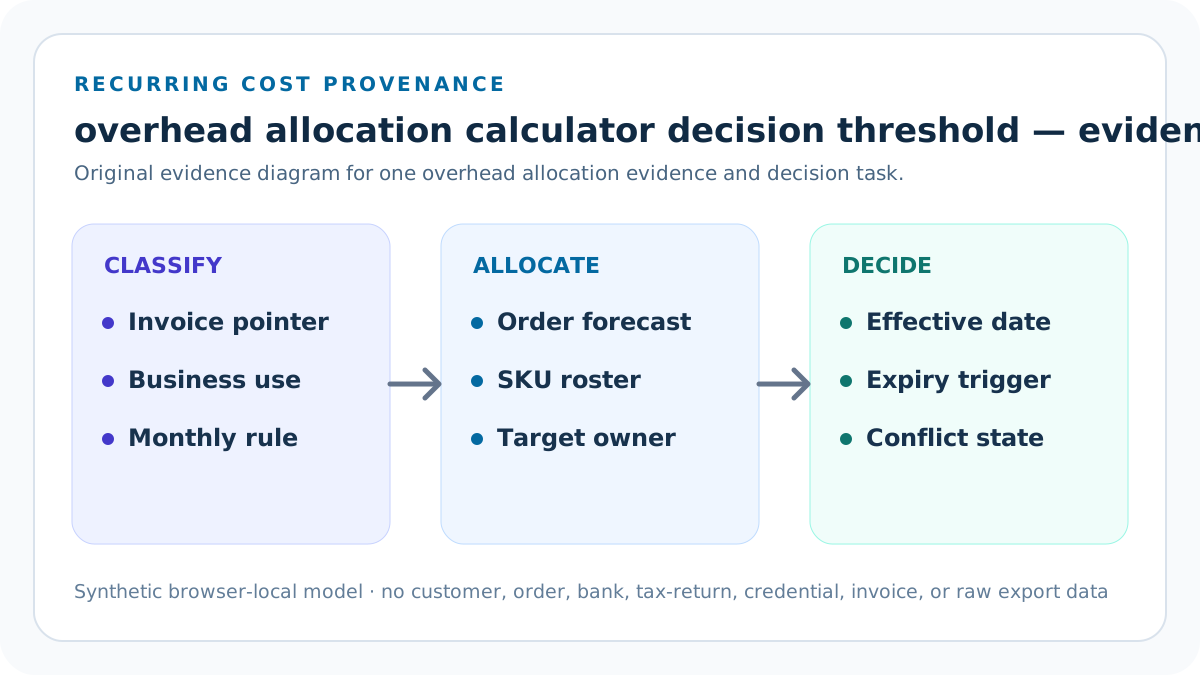
Gate 5: target validity
Require a positive seller-owned overhead-per-order threshold with purpose, owner, effective date, and expiry. Gate 5 is non-compensating: encode valid range, full-precision boundary, Block or Review state, issue wording, owner, and correction. Favorable headroom cannot erase invalid classification or scope.
Test gate 5 below, at, and above its boundary and record output visibility so a non-compensating monthly allocation decision follows declared precedence.
Gate 6: context and conflict
Require three-letter currency, YYYY-MM evidence, adequate scope, and no unresolved declared issue. Gate 6 is non-compensating: encode valid range, full-precision boundary, Block or Review state, issue wording, owner, and correction. Favorable headroom cannot erase invalid classification or scope.
Test gate 6 below, at, and above its boundary and record output visibility so a non-compensating monthly allocation decision follows declared precedence.
Gate 7: target and portfolio Review
Review above-target allocation or expected orders per active SKU below the seller-entered minimum. Gate 7 is non-compensating: encode valid range, full-precision boundary, Block or Review state, issue wording, owner, and correction. Favorable headroom cannot erase invalid classification or scope.
Test gate 7 below, at, and above its boundary and record output visibility so a non-compensating monthly allocation decision follows declared precedence.
Gate 8: concentration Review
Review the source and classification of any category above the seller-entered maximum share without presuming it should be removed. Gate 8 is non-compensating: encode valid range, full-precision boundary, Block or Review state, issue wording, owner, and correction. Favorable headroom cannot erase invalid classification or scope.
Test gate 8 below, at, and above its boundary and record output visibility so a non-compensating monthly allocation decision follows declared precedence.
Use the overhead Block-Review-Ready gate card with a controlled monthly packet
Open the calculator after the overhead Block-Review-Ready gate card has one business, month, currency, category convention, completed-order population, active-SKU roster, target, owner, and unresolved-issue list. Enter synthetic aggregates; do not paste customer, order, payment, employee, credential, bank, tax-return, private invoice, contract, address, or raw export data.
Save full-precision inputs and outputs beside visible rounded currency. Run the low-volume fixture, high-volume fixture, below-target Review, and invalid Block conditions. Accept a changed value only when source, business-use scope, effective month, owner, and replacement trigger are recorded.
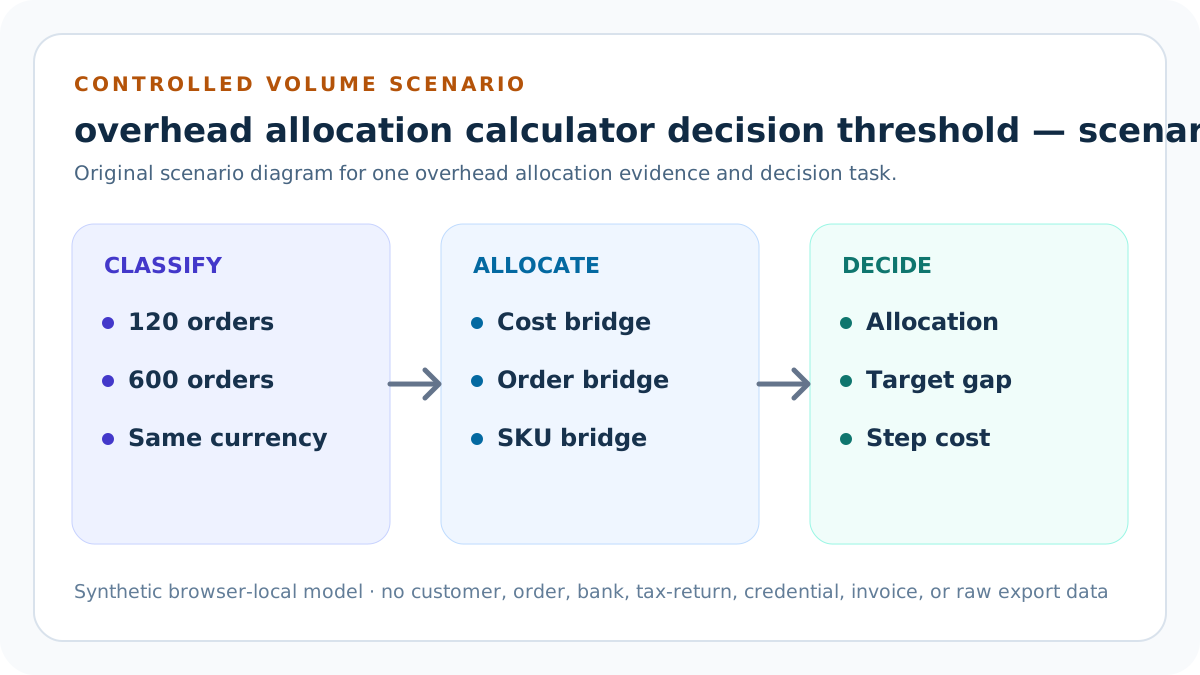
Apply evidence gates before a non-compensating monthly allocation decision
Block blank or nonfinite values, negative categories, no positive recurring total, non-whole or nonpositive order and SKU denominators, invalid seller thresholds, a nonpositive target, invalid currency, month, or source-review date, vague scope, incomplete confirmations, or a declared conflict. Review above-target overhead, portfolio ratios or category concentration beyond seller-entered limits, stale evidence, or an incompatible business population.
Ready confirms only a structurally valid planning packet. It does not determine tax deductions, accounting classification, capitalization, depreciation, cash flow, product-level causal cost, price, break-even, profit, viability, demand, revenue, or income.
Model uncertainty and step costs explicitly
Change one category, completed-order count, active-SKU count, or target at a time. Keep low, expected, and high volume cases. Add software seats, storage tiers, workspace, equipment, insurance, or service capacity only at a named trigger rather than assuming the numerator remains fixed forever.
For role 6, record the before state, isolated change, total overhead, both allocations, orders per SKU, category shares, target headroom, decision, forecast confidence, owner, and follow-up. Sensitivity identifies a driver; it does not choose the correct commercial response.
Protect billing, tax, customer, and operating information
Public examples are synthetic. Keep customer and order rows, payment data, employee or contractor records, credentials, bank data, tax returns, home addresses, private invoices, contracts, account identifiers, and raw exports outside the overhead Block-Review-Ready gate card.
Use business aliases, aggregates, ranges, and protected source pointers. An independent reviewer should reproduce the arithmetic and decision contract without receiving personal, transaction-level, financial-account, credential, or supplier-confidential material.
Release, observe, correct, and roll back the allocation asset
Before release, preserve narrow local and remote backups and a rollback identifier. Run syntax, typecheck, focused and full unit tests, integration, build, SEO and duplicate audits, static-route validation, mobile and keyboard QA, image and link checks, candidate-origin review, and live calculator scenarios.
After release, verify status, canonical, indexability, schema, answer blocks, images, hub discovery, strict 404, sitemap policy, and production behavior. Record Day 0/7/14/28 evidence without same-day causal claims. Restore the prior version if formula, privacy, accessibility, content, routing, analytics, or live health regresses.
Target boundary test
Test the threshold immediately below, at, and above full-precision overhead per order. Deep check 1 stores business alias, monthly category or denominator evidence, full-precision calculation, displayed result, decision, reviewer, review date, expiry condition, and correction route. It is incomplete when another reviewer must guess classification, business use, period, roster, target, or source version.
Find the nearest counterexample and state why it would invalidate or narrow a non-compensating monthly allocation decision. Preserve competing category, period, forecast, roster, business-use, target, or accounting-context evidence as named scenarios rather than averaging it away.
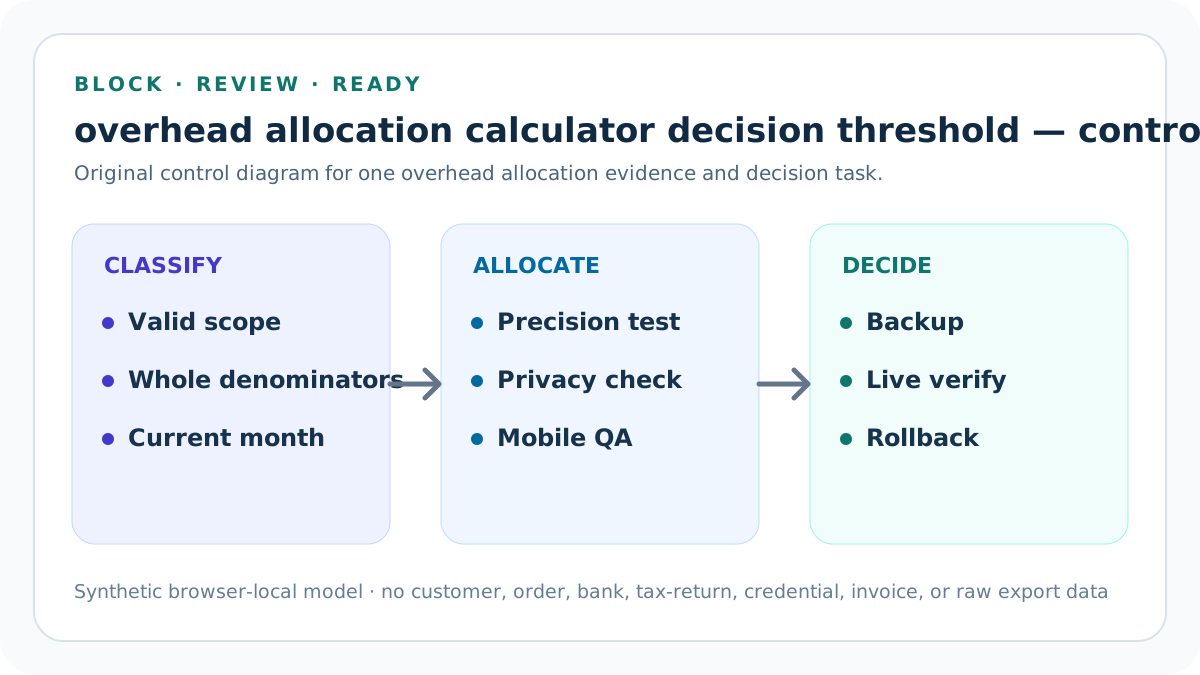
Denominator boundary test
Test one, large, zero, negative, and fractional order and SKU counts. Deep check 2 stores business alias, monthly category or denominator evidence, full-precision calculation, displayed result, decision, reviewer, review date, expiry condition, and correction route. It is incomplete when another reviewer must guess classification, business use, period, roster, target, or source version.
Find the nearest counterexample and state why it would invalidate or narrow a non-compensating monthly allocation decision. Preserve competing category, period, forecast, roster, business-use, target, or accounting-context evidence as named scenarios rather than averaging it away.
Concentration boundary test
Test the largest category below, at, and above the seller-entered maximum while holding total and classification visible. Deep check 3 stores business alias, monthly category or denominator evidence, full-precision calculation, displayed result, decision, reviewer, review date, expiry condition, and correction route. It is incomplete when another reviewer must guess classification, business use, period, roster, target, or source version.
Find the nearest counterexample and state why it would invalidate or narrow a non-compensating monthly allocation decision. Preserve competing category, period, forecast, roster, business-use, target, or accounting-context evidence as named scenarios rather than averaging it away.
Non-compensation proof
Prevent favorable headroom from overriding invalid scope, category, denominator, context, privacy, or conflict. Deep check 4 stores business alias, monthly category or denominator evidence, full-precision calculation, displayed result, decision, reviewer, review date, expiry condition, and correction route. It is incomplete when another reviewer must guess classification, business use, period, roster, target, or source version.
Find the nearest counterexample and state why it would invalidate or narrow a non-compensating monthly allocation decision. Preserve competing category, period, forecast, roster, business-use, target, or accounting-context evidence as named scenarios rather than averaging it away.
Rollback gate
Require prior version, owner, stop condition, correction path, restoration command, and live proof. Deep check 5 stores business alias, monthly category or denominator evidence, full-precision calculation, displayed result, decision, reviewer, review date, expiry condition, and correction route. It is incomplete when another reviewer must guess classification, business use, period, roster, target, or source version.
Find the nearest counterexample and state why it would invalidate or narrow a non-compensating monthly allocation decision. Preserve competing category, period, forecast, roster, business-use, target, or accounting-context evidence as named scenarios rather than averaging it away.
Sources and further reading
- Seller Profit Guard methodology: Comparable-grain evidence, deterministic calculations, validation, correction, release, and rollback.
- Seller Profit Guard data privacy: Local-first boundaries for customer, order, payment, personnel, credential, invoice, contract, tax-return, and raw export data.
- IRS Publication 334 (2025): Primary U.S. context for business expenses and records; the calculator does not determine deductibility or accounting treatment.
- IRS: What kind of records should I keep?: Primary U.S. context for transaction summaries and supporting documents; the calculator stores no private records and does not determine substantiation.
- U.S. SBA: Break-even point calculator: Official context for fixed, variable, semi-variable, monthly, quarterly, annual, and one-time cost assumptions.
Related Seller Profit Guard tools
- Open the Seller Overhead Allocation Calculator: Allocate recurring monthly indirect costs across expected completed orders and active SKUs.
- Listing Cost Library: Keep direct SKU costs separate from recurring indirect operating resources.
- Product Price Floor Calculator: Use a deliberate cost convention in a seller-owned price boundary.
- Contribution Margin Calculator: Review order contribution before fixed overhead and accounting profit.
- Packaging Cost per Order Calculator: Allocate direct and shared packaging separately from recurring business overhead.
- Methodology: Review evidence, privacy, formulas, tests, release, correction, and rollback.
- Seller Overhead Allocation Formula and Inputs: Continue with a distinct overhead formula, example, source, threshold, comparison, operating, interpretation, or audit task.
- Low-Volume Seller Overhead Allocation Example: Continue with a distinct overhead formula, example, source, threshold, comparison, operating, interpretation, or audit task.
- High-Volume Seller Overhead Allocation: Continue with a distinct overhead formula, example, source, threshold, comparison, operating, interpretation, or audit task.
- Seller Overhead Allocation Mistakes: Continue with a distinct overhead formula, example, source, threshold, comparison, operating, interpretation, or audit task.
- Reliable Seller Overhead Allocation Data: Continue with a distinct overhead formula, example, source, threshold, comparison, operating, interpretation, or audit task.
Next step: Open the Seller Overhead Allocation Calculator.
This is operational planning help, not tax, accounting, legal, financial, or platform-policy advice. Review the Terms and disclaimer, and verify current platform rules and fee assumptions before changing prices.