Twelve Etsy photo coverage mistakes and their corrections
Last updated: 2026-07-30
Written and reviewed by Seller Profit Guard Editorial Team.
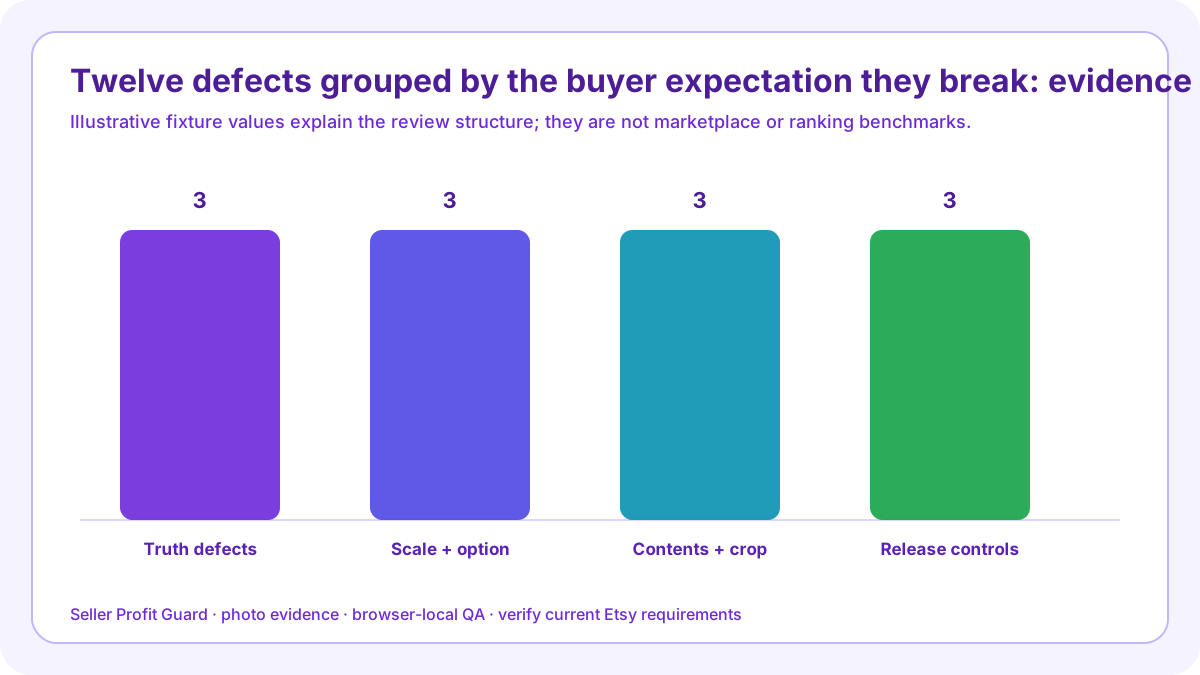
The most damaging photo-plan mistakes are counting slots instead of questions, treating repeated crops as evidence, using a mockup as the actual item, hiding scale, skipping variations, implying props are included, mislabeling package quantity, altering color, ignoring crop behavior, inheriting another SKU’s gallery, omitting provenance, and releasing without a rollback check.

What does this failure diagnosis page solve?
Most photo audits fail before the camera is used. The seller counts images, rewards different backgrounds, and assumes a full carousel equals a complete buyer explanation. That denominator hides missing scale, options, contents, and actual-item evidence.
The defect register groups mistakes by what they break: product truth, buyer comparison, inclusion expectation, display integrity, provenance, or recovery. Each entry contains the observed slot, affected SKU, evidence authority, buyer consequence, repair, owner, and verification.
Build the photo defect register from current evidence
A correction should change the failed layer only. Missing scale needs measured scale evidence; an unlabeled frame needs a clear exclusion; an unsupported mockup needs real-item evidence or a documented exception. Adding another lifestyle view does not repair any of those defects.
Use privacy-safe aliases and no buyer review photos unless current permission is documented. The audit can reference a consent record without copying the buyer's identity, message, order, address, or image into the public content system.
Mistakes 1–2: slot count and repeated crops
Counting ten occupied slots says nothing about buyer evidence. Reusing a front image with different crops can make the gallery look varied while answering one question. Rebuild the inventory by role and collapse repetitions into one evidence category. This belongs in the failure diagnosis because it changes a repair tied to the failed question, not merely the visual style of a listing.
Repair the evidence question that failed instead of increasing slot count mechanically. Apply it first to apparently full gallery; preserve a separate exception when the second case has different product, scale, option, package, permission, or image authority.
Mistakes 3–4: mockup and hidden scale
A generic mockup cannot silently replace required actual-item evidence. A close crop without a reliable reference cannot establish size. Put the finished product and measured relationship into the plan, then label supporting visualization separately. This belongs in the failure diagnosis because it changes a repair tied to the failed question, not merely the visual style of a listing.
Repair the evidence question that failed instead of increasing slot count mechanically. Apply it first to buyer-evidence audit; preserve a separate exception when the second case has different product, scale, option, package, permission, or image authority.
Mistakes 5–6: missing options and false inclusions
One color or configuration does not represent materially different choices. Props, frames, stands, chains, cords, cards, or containers can also look included. Map every decision-changing option and state quantity or exclusions visually and in copy. This belongs in the failure diagnosis because it changes a repair tied to the failed question, not merely the visual style of a listing.
Repair the evidence question that failed instead of increasing slot count mechanically. Apply it first to apparently full gallery; preserve a separate exception when the second case has different product, scale, option, package, permission, or image authority.
Mistakes 7–8: wrong quantity and altered color
A group shot can imply that several units arrive when the order includes one. Aggressive filters or inconsistent white balance can change buyer color expectation. Use labeled quantities, consistent light, and a current finished sample. This belongs in the failure diagnosis because it changes a repair tied to the failed question, not merely the visual style of a listing.
Repair the evidence question that failed instead of increasing slot count mechanically. Apply it first to buyer-evidence audit; preserve a separate exception when the second case has different product, scale, option, package, permission, or image authority.
Mistakes 9–10: crop blindness and inherited galleries
The first image may appear under different ratios and surfaces. A composition that loses the product at one crop needs adjustment. Never inherit another SKU's scale, material, variation, or package evidence merely because the products share a style. This belongs in the failure diagnosis because it changes a repair tied to the failed question, not merely the visual style of a listing.
Repair the evidence question that failed instead of increasing slot count mechanically. Apply it first to apparently full gallery; preserve a separate exception when the second case has different product, scale, option, package, permission, or image authority.

Mistake 11: missing provenance
Without a dated product record, photo version, consent or exception note, and reviewer, the team cannot distinguish current evidence from an old asset. Mark the decision Hold until authority is refreshed rather than inferring truth from file names. This belongs in the failure diagnosis because it changes a repair tied to the failed question, not merely the visual style of a listing.
Repair the evidence question that failed instead of increasing slot count mechanically. Apply it first to buyer-evidence audit; preserve a separate exception when the second case has different product, scale, option, package, permission, or image authority.
Mistake 12: no release recovery
Changing slot order or variation links without preserved prior values turns a visual defect into a prolonged buyer-facing error. Save the old gallery, selected-option behavior, captions, and public screenshots before applying one bounded set. This belongs in the failure diagnosis because it changes a repair tied to the failed question, not merely the visual style of a listing.
Repair the evidence question that failed instead of increasing slot count mechanically. Apply it first to apparently full gallery; preserve a separate exception when the second case has different product, scale, option, package, permission, or image authority.
Correct with crossed fixtures
Run an apparently full but repetitive mockup gallery and a smaller evidence-complete gallery. The former should fail or Block; the latter can pass. This protects the system from rewarding quantity, decoration, or keyword-rich labels over real buyer questions. This belongs in the failure diagnosis because it changes a repair tied to the failed question, not merely the visual style of a listing.
Repair the evidence question that failed instead of increasing slot count mechanically. Apply it first to buyer-evidence audit; preserve a separate exception when the second case has different product, scale, option, package, permission, or image authority.
Run the apparently full gallery and buyer-evidence audit checks
Open the Etsy Photo Coverage Checklist with a privacy-safe apparently full gallery record. Enter the labeled buyer-facing gallery, seven evidence requirements, every known gap, and a dated source note. Save the expected output before running. Repeat with buyer-evidence audit so the workflow proves it can expose a material image failure rather than reward occupied slots.
Compare each check, issue, evidence status, and decision with expectation. Seller Profit Guard runs in the browser and does not require image upload, buyer, order, payment, address, credential, or raw CSV data. Use aliases in durable reports and keep account access, permissions, and private assets outside public content.
Release boundary, limitations, and next step
Back up the gallery, captions, and variation links; confirm the correct account and listing; apply one approved image set; and inspect thumbnail, mobile crop, desktop gallery, selected options, contents, and copy alignment. Safe-stop on login or CAPTCHA ambiguity, platform warning, wrong profile, missing target context, private data, or unexpected product state. Restore saved values when the buyer view does not match approval.
The checklist cannot inspect pixels, retrieve Etsy, certify originality, ownership, permission, policy compliance, color accuracy, accessibility, buyer understanding, ranking, traffic, conversion, sales, returns, or AdSense approval. Verify current Etsy policy, actual files, product records, and live controls. Seller Profit Guard is unaffiliated with Etsy and provides operational listing QA, not legal, marketplace, photography, accessibility, or professional advice.
Sources and further reading
- Etsy Listing Image Requirements: Official original-photo, actual-finished-product, personalized-item, buyer-photo permission, and production-partner image requirements.
- Etsy Seller Policy effective July 9, 2026: Current official accuracy, original-content, intellectual-property, privacy, and listing-representation obligations.
- Etsy Seller Handbook: 7 Essential Types of Product Photos: Official studio, lifestyle, scale, detail, group, process, and packaging photo guidance.
- Etsy Seller Handbook: Product Photography Checklist: Official shoot planning, lighting, detail, scale, multiple-angle, editing, crop, and ratio guidance.
- Etsy Help: Image requirements and best practices: Current official file, size, orientation, thumbnail-crop, color-profile, and upload guidance.
- Etsy Help: How to create a listing: Current official listing form guidance, including up to 20 photos, up to two short videos, and buyer-facing photo editing controls.
- Etsy Help: How to edit listing photos: Current official photo order, crop, thumbnail, image-quality, and search-visibility workflow.
- Etsy Help: Add text alternatives to listing images: Current official manual alt-text workflow and concise description guidance for product detail, texture, and scale.
- Etsy Help: Add variations to listings: Current official variation-to-photo linking workflow; live editor capacity should be verified where Help surfaces expose different photo limits.
- Etsy Seller Handbook: Anatomy of a Well-Crafted Listing: Current official listing guidance for multiple views, detail, lifestyle, lighting, and image resolution.
- Seller Profit Guard methodology: Evidence hierarchy, privacy boundary, uncertainty labels, corrections, rollback, and verification controls.
Related Seller Profit Guard tools
- Open the Etsy Photo Coverage Checklist: Map buyer questions to actual-item, detail, scale, variation, use, package, and customization image evidence.
- Check Etsy description clarity: Keep image claims and buyer-facing copy aligned.
- Check Etsy attribute coverage: Reconcile structured product facts before photographing options.
- Review Etsy variation and SKU controls: Keep gallery options, buyer choices, inventory, and cost records synchronized.
- Read the local-first methodology: Build evidence without buyer, order, address, credential, or raw CSV data.
- Read the editorial policy: Review current sourcing, authorship, corrections, and publication controls.
- Etsy Photo Coverage Formula: 10 Inputs: Continue the photo evidence, buyer-question, decision, release, or audit workflow.
- Etsy Photo Checklist: Variation-Heavy Example: Continue the photo evidence, buyer-question, decision, release, or audit workflow.
- Etsy Photo Checklist for Size-Sensitive Art: Continue the photo evidence, buyer-question, decision, release, or audit workflow.
- Evidence Sources for Etsy Listing Photos: Continue the photo evidence, buyer-question, decision, release, or audit workflow.
- Etsy Photo Coverage: Ready, Revise, Hold, Block: Continue the photo evidence, buyer-question, decision, release, or audit workflow.
Next step: Open the Etsy Photo Coverage Checklist.
This is operational planning help, not tax, accounting, legal, financial, or platform-policy advice. Review the Terms and disclaimer, and verify current platform rules and fee assumptions before changing prices.