A two-unit Etsy multi-quantity fee example
Last updated: 2026-07-30
Written and reviewed by Seller Profit Guard Editorial Team.
If an Etsy.com listing has active quantity two and one order buys both units, quantity remaining is zero. The first unit is already covered by the listing, so one extra-quantity event is modeled at USD 0.20. No auto-renew-sold event is added. Incremental cost is USD 0.20 per order and USD 0.10 per sold unit.
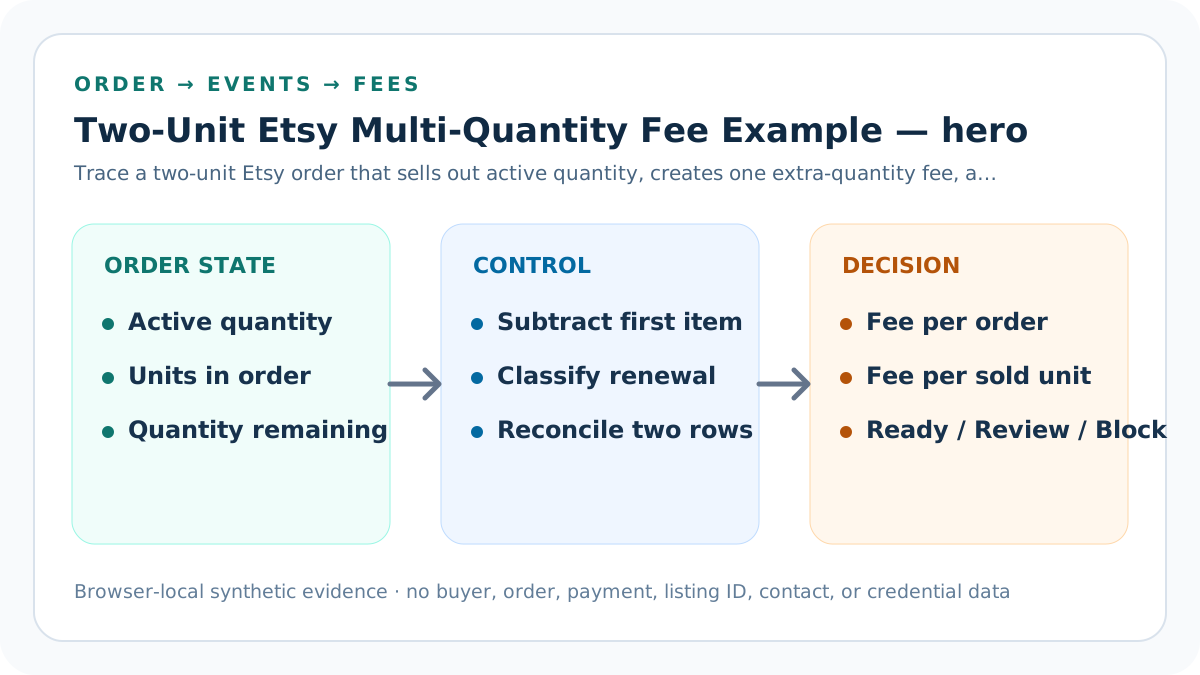
two-unit sellout evidence: scope and decision
The fixture starts with active quantity two immediately before checkout. The same order sells two units and leaves zero available, so the quantity equation closes without a remaining-listing renewal.
One extra unit beyond the first creates one expected multi-quantity event. At the current USD 0.20 reference, the modeled multi-quantity subtotal is USD 0.20.
Build the two-unit order ledger before acting
The actual Payment account multi-quantity row is USD 0.20 and the auto-renew-sold row is USD 0.00. Both differences are zero within the USD 0.01 tolerance.
The calculator returns Ready under the default USD 0.50 per-order target. This result proves only the entered sale-triggered listing-fee rows, not total order profit.
Freeze the order boundary
Record active quantity two, units sold two, remaining quantity zero, one reviewed order, Etsy.com scope, USD currency, and the account-row date.
Recalculate “Freeze the order boundary” from the two-unit ledger rather than copying a generic USD 0.20 fee. Preserve active quantity two, two units sold, zero remaining, one order, one extra-quantity event, no sold renewal, and the USD 0.50 target only for one order buying both available units. The two-unit order ledger must keep one order buying only one of three available units under its different trigger.
The evidence log for “Freeze the order boundary” should show order grain, active quantity, units sold, remaining quantity, event type, internal amount, displayed subtotal, actual row, target, and responsible source. Re-run after any change to fee, listing state, channel, order grouping, currency, conversion, tax, credit, or target.
Exclude the initial listing fee
The initial publication event belongs in the broader renewal-cost allocation and is not charged again inside this incremental order fixture.
Recalculate “Exclude the initial listing fee” from the two-unit ledger rather than copying a generic USD 0.20 fee. Preserve active quantity two, two units sold, zero remaining, one order, one extra-quantity event, no sold renewal, and the USD 0.50 target only for one order buying both available units. The two-unit order ledger must keep one order buying only one of three available units under its different trigger.
The evidence log for “Exclude the initial listing fee” should show order grain, active quantity, units sold, remaining quantity, event type, internal amount, displayed subtotal, actual row, target, and responsible source. Re-run after any change to fee, listing state, channel, order grouping, currency, conversion, tax, credit, or target.
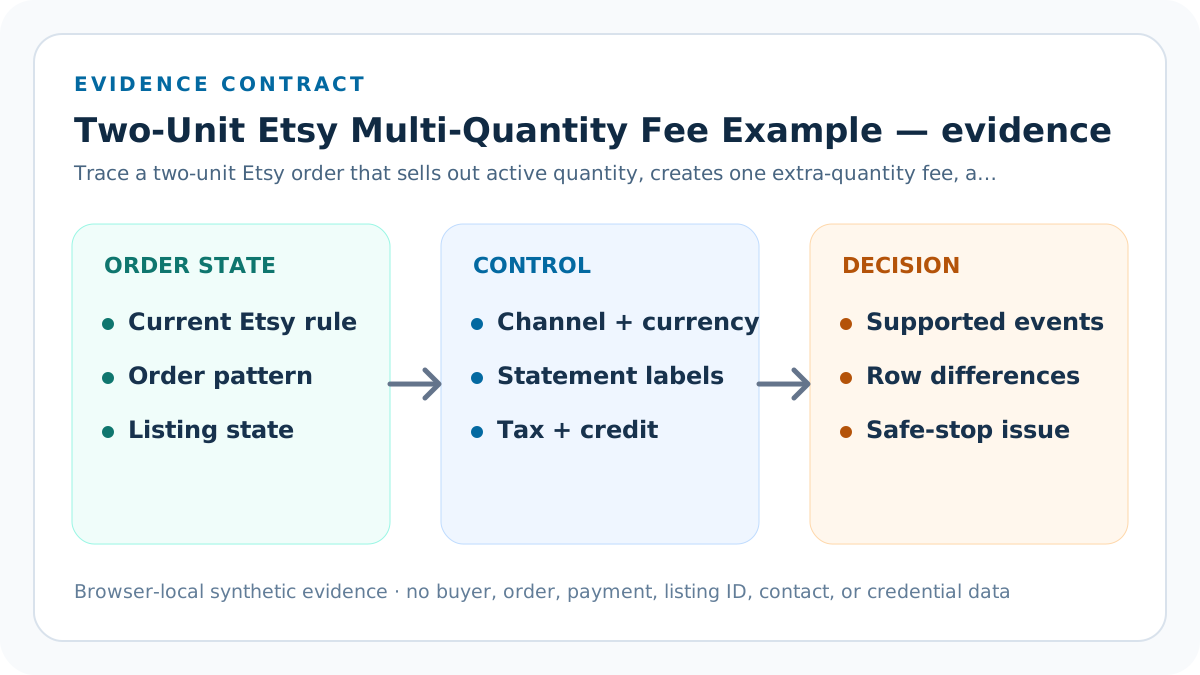
Count one extra quantity
Two units sold minus the first listed item equals one additional quantity and one expected multi-quantity fee event.
Recalculate “Count one extra quantity” from the two-unit ledger rather than copying a generic USD 0.20 fee. Preserve active quantity two, two units sold, zero remaining, one order, one extra-quantity event, no sold renewal, and the USD 0.50 target only for one order buying both available units. The two-unit order ledger must keep one order buying only one of three available units under its different trigger.
The evidence log for “Count one extra quantity” should show order grain, active quantity, units sold, remaining quantity, event type, internal amount, displayed subtotal, actual row, target, and responsible source. Re-run after any change to fee, listing state, channel, order grouping, currency, conversion, tax, credit, or target.
Count zero sold renewals
Because the listing has no quantity remaining after the order, this fixture does not add an auto-renew-sold event.
Recalculate “Count zero sold renewals” from the two-unit ledger rather than copying a generic USD 0.20 fee. Preserve active quantity two, two units sold, zero remaining, one order, one extra-quantity event, no sold renewal, and the USD 0.50 target only for one order buying both available units. The two-unit order ledger must keep one order buying only one of three available units under its different trigger.
The evidence log for “Count zero sold renewals” should show order grain, active quantity, units sold, remaining quantity, event type, internal amount, displayed subtotal, actual row, target, and responsible source. Re-run after any change to fee, listing state, channel, order grouping, currency, conversion, tax, credit, or target.
Reconcile the USD 0.20 row
One event multiplied by USD 0.20 equals the actual multi-quantity fee row, while the separate auto-renew row stays zero.
Recalculate “Reconcile the USD 0.20 row” from the two-unit ledger rather than copying a generic USD 0.20 fee. Preserve active quantity two, two units sold, zero remaining, one order, one extra-quantity event, no sold renewal, and the USD 0.50 target only for one order buying both available units. The two-unit order ledger must keep one order buying only one of three available units under its different trigger.
The evidence log for “Reconcile the USD 0.20 row” should show order grain, active quantity, units sold, remaining quantity, event type, internal amount, displayed subtotal, actual row, target, and responsible source. Re-run after any change to fee, listing state, channel, order grouping, currency, conversion, tax, credit, or target.
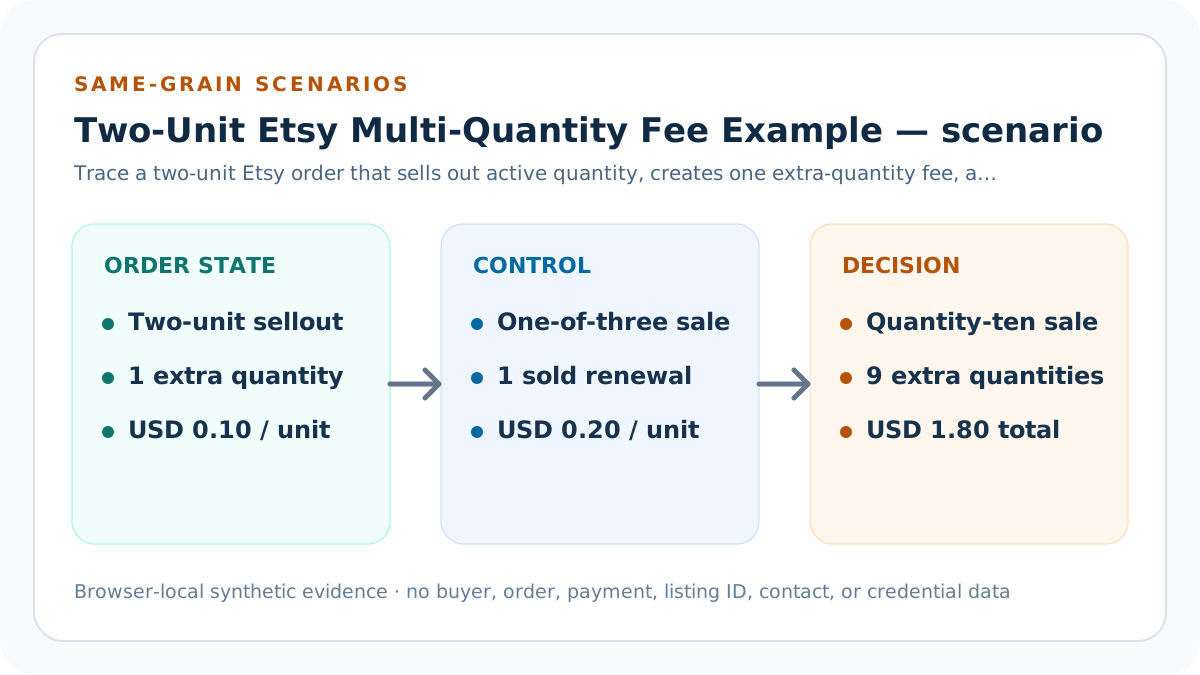
Allocate USD 0.10 per unit
Divide USD 0.20 by two sold units. Keep the USD 0.20 per-order view beside the allocation so the denominator remains explicit.
Recalculate “Allocate USD 0.10 per unit” from the two-unit ledger rather than copying a generic USD 0.20 fee. Preserve active quantity two, two units sold, zero remaining, one order, one extra-quantity event, no sold renewal, and the USD 0.50 target only for one order buying both available units. The two-unit order ledger must keep one order buying only one of three available units under its different trigger.
The evidence log for “Allocate USD 0.10 per unit” should show order grain, active quantity, units sold, remaining quantity, event type, internal amount, displayed subtotal, actual row, target, and responsible source. Re-run after any change to fee, listing state, channel, order grouping, currency, conversion, tax, credit, or target.
Compare the partial-sale counterfactual
Selling one of three leaves two units and changes the expected event type from extra quantity to auto-renew sold.
Recalculate “Compare the partial-sale counterfactual” from the two-unit ledger rather than copying a generic USD 0.20 fee. Preserve active quantity two, two units sold, zero remaining, one order, one extra-quantity event, no sold renewal, and the USD 0.50 target only for one order buying both available units. The two-unit order ledger must keep one order buying only one of three available units under its different trigger.
The evidence log for “Compare the partial-sale counterfactual” should show order grain, active quantity, units sold, remaining quantity, event type, internal amount, displayed subtotal, actual row, target, and responsible source. Re-run after any change to fee, listing state, channel, order grouping, currency, conversion, tax, credit, or target.
Carry only the verified row forward
Move USD 0.20 into the period renewal-cost record, then add every other marketplace and operating cost before evaluating contribution.
Recalculate “Carry only the verified row forward” from the two-unit ledger rather than copying a generic USD 0.20 fee. Preserve active quantity two, two units sold, zero remaining, one order, one extra-quantity event, no sold renewal, and the USD 0.50 target only for one order buying both available units. The two-unit order ledger must keep one order buying only one of three available units under its different trigger.
The evidence log for “Carry only the verified row forward” should show order grain, active quantity, units sold, remaining quantity, event type, internal amount, displayed subtotal, actual row, target, and responsible source. Re-run after any change to fee, listing state, channel, order grouping, currency, conversion, tax, credit, or target.
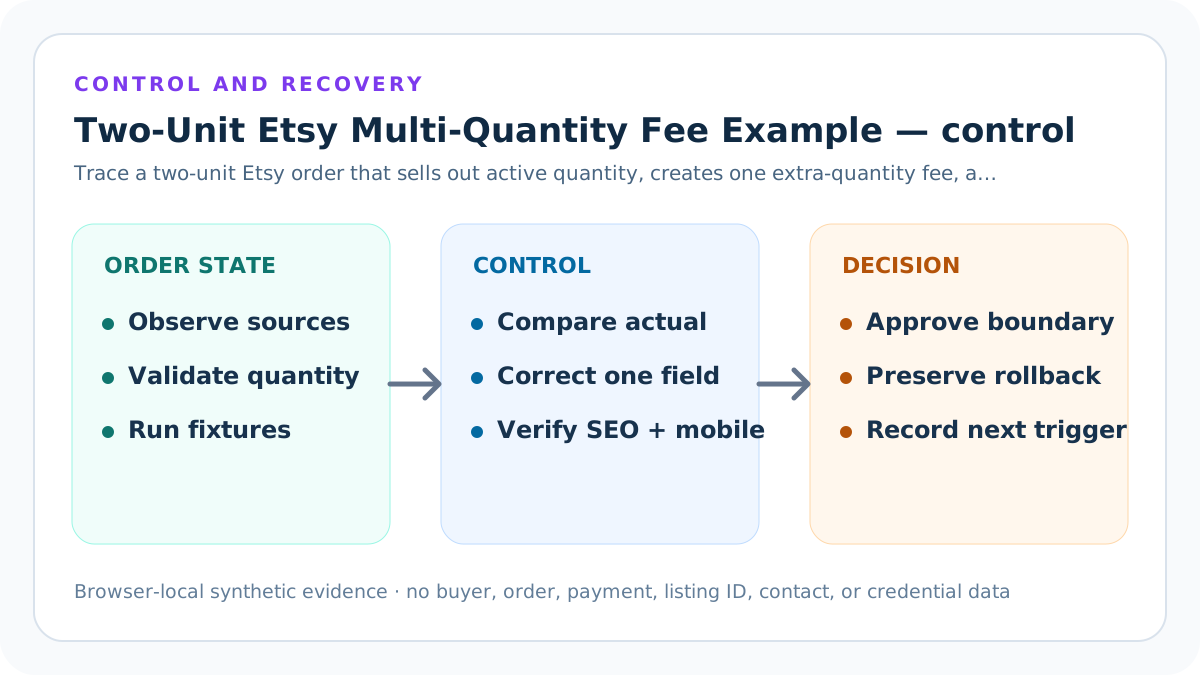
Verification, release, and Payment account feedback
Before changing price, listing quantity, renewal state, or calculator defaults, preserve the two-unit order ledger, official-source versions, private evidence pointer, current inputs, expected fixtures, tests, build, route state, and rollback identifier. Confirm the exact target environment and safe-stop on an unexpected account or production context.
After one bounded correction, rerun one order buying both available units, one order buying only one of three available units, the quantity-ten fixture, and a declared-conflict fixture. Inspect exact and displayed amounts, quantity equation, event totals, both statement differences, per-order and per-unit views, mobile results, canonical, sources, original visuals, internal links, and privacy-safe feedback. Restore the prior packet if a critical result cannot support USD 0.20 incremental fees and USD 0.10 per sold unit.
Limits, privacy boundary, and next action
This guide and calculator use seller-entered summaries and synthetic fixtures. They do not retrieve Etsy data, authenticate listings, inventory, orders, or fee rows, decide taxes, reproduce every conversion or credit, change marketplace state, measure demand, include the initial listing fee or broader fee stack, or prove ranking, traffic, qualified intent, AdSense approval, income, or final profit.
Keep buyer names, emails, addresses, messages, order IDs, listing IDs, payment rows, bank details, tax identifiers, labels, tokens, OAuth material, credentials, and raw CSV outside the two-unit order ledger. Verify current Etsy sources and the seller's actual account, reconcile an approved privacy-safe sample, and obtain qualified accounting, tax, or legal advice when material.
Sources and further reading
- Etsy Help: Fees and Listing Multiple Quantities: Current first-item, extra-quantity, remaining-quantity, auto-renew-sold, Payment account label, and conversion examples.
- Etsy Help: Fees and Taxes for Selling: Current listing, multi-quantity, auto-renew-sold, expiry, private-listing, and surrounding fee boundaries.
- Etsy Fees and Payments Policy: Controlling listing-fee, renewal, multiple-quantity, currency, deduction, Pattern, Square, and seller-responsibility terms.
- Etsy Help: Manage Your Payment Account: Payment account, monthly statement, fee, tax, credit, balance, and date-row reconciliation.
- Etsy Help: Create Pattern Listings: Pattern-only versus Etsy.com listing-fee and sale-trigger scope.
- Seller Profit Guard methodology: Evidence hierarchy, privacy-safe fixtures, deterministic calculations, bounded release, correction, and rollback.
Related Seller Profit Guard tools
- Open the multi-quantity fee calculator: Model extra-quantity and auto-renew-sold rows for one documented order pattern.
- Allocate all listing and renewal costs: Add initial, sold, expired, and manual events across a complete evidence period.
- Build the complete Etsy fee stack: Add transaction, processing, ads, conversion, regulatory, tax, operating cost, and contribution.
- Reconcile the Etsy Payment account: Compare expected event rows with actual statement fees, taxes, credits, and dates.
- Run Seller Profit Guard: Carry reconciled fees into SKU-level product, shipping, return, and target-profit analysis.
- Read the local-first methodology: Keep buyer, order, payment, contact, and credential data outside public pages.
- Etsy Multi-Quantity Fee Formula: Continue the formula, example, source, threshold, comparison, routine, interpretation, or audit workflow.
- Etsy Quantity-Ten Fee Worked Example: Continue the formula, example, source, threshold, comparison, routine, interpretation, or audit workflow.
- 12 Etsy Multi-Quantity Fee Mistakes: Continue the formula, example, source, threshold, comparison, routine, interpretation, or audit workflow.
- Etsy Multi-Quantity Fee Data Sources: Continue the formula, example, source, threshold, comparison, routine, interpretation, or audit workflow.
- Safe Etsy Multi-Quantity Fee Thresholds: Continue the formula, example, source, threshold, comparison, routine, interpretation, or audit workflow.
Next step: Open the Etsy Multi-Quantity Fee Calculator.
This is operational planning help, not tax, accounting, legal, financial, or platform-policy advice. Review the Terms and disclaimer, and verify current platform rules and fee assumptions before changing prices.