A weekly operating routine for Etsy Ads break-even control
Last updated: 2026-07-29
Written and reviewed by Seller Profit Guard Editorial Team.
A useful weekly Etsy Ads routine preserves the prior campaign state, closes a mature reporting window, reconciles Ads spend and attributed orders, refreshes listing-level revenue and non-ad costs, reruns representative and adverse break-even fixtures, records exceptions, approves one bounded action, and verifies both campaign configuration and later economic feedback.

What should be preserved before the weekly review?
Capture the current campaign status, daily budget, advertised listings, selected date range, listing-level spend, views, clicks, attributed orders, revenue, ROAS, and search terms. Record the operator time and report freshness. Preserve the prior approved calculator inputs and expected outputs.
Freeze the product, packaging, labor, shipping, fee, return-loss, price, and target versions used last week. Note listing edits, price changes, discounts, shipping profiles, or campaign changes that occurred inside the window.
Do not preserve buyer or raw order data in the public project. Keep private evidence controlled and use aggregate values or fingerprints. The purpose is reproducibility and rollback, not a shadow customer database.
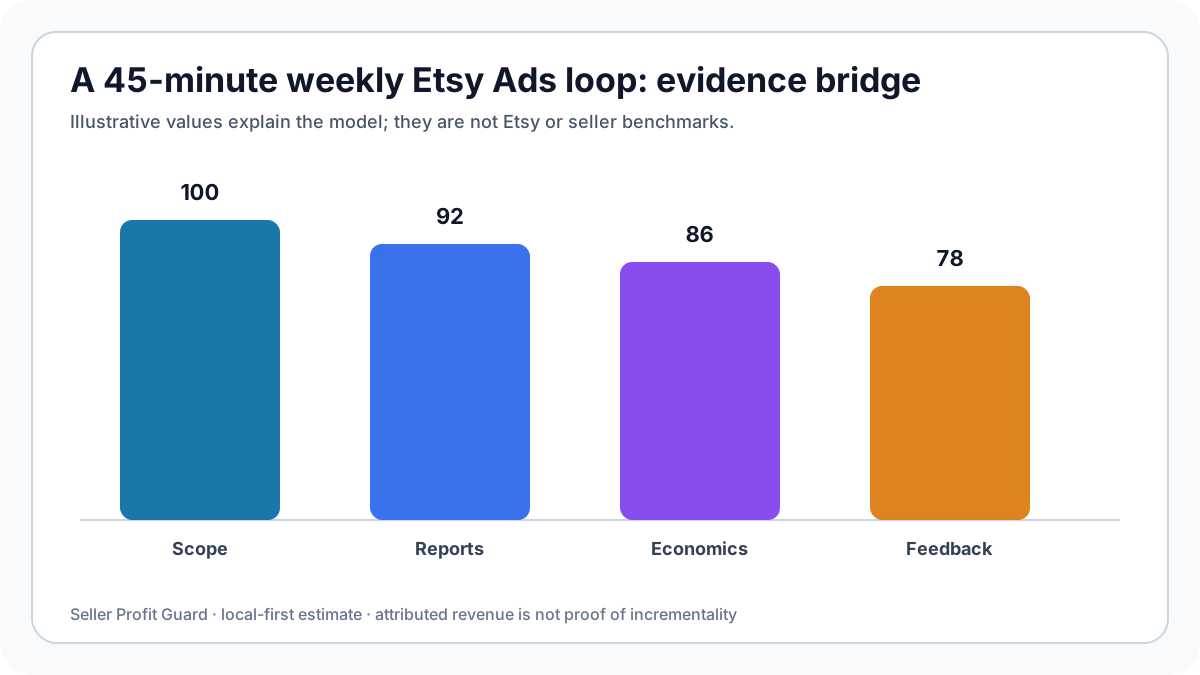
| Minute | Task | Output |
|---|---|---|
| 0–8 | Preserve + scope | Baseline |
| 8–18 | Reconcile reports | Mature metrics |
| 18–30 | Refresh economics | Inputs |
| 30–38 | Run fixtures | Decision |
| 38–45 | Approve + record | Control log |
How do you close and reconcile the reporting window?
Select a window old enough for the chosen Etsy Ads attribution treatment and return-maturity rule. Record unresolved recent orders separately. Export or transcribe only the aggregate listing-level metrics needed for the control.
Reconcile Ads budget spent with Payment account charges within a declared timing tolerance. Reconcile attributed revenue with the selected order definition and identify refunds, cancellations, discounts, shipping, or currency differences.
Calculate observed spend per mature attributed order and dashboard ACOS or ROAS without relabeling them. If the denominator is zero or too sparse for the rule, record 'insufficient mature evidence' rather than infinity or a fabricated average.

Which listing economics should be refreshed each week?
Refresh values only when evidence changed. Product and packaging costs may move after supplier or material changes; labor after method or batch changes; shipping after package, zone, or carrier changes; fees after policy or market changes; return loss after new mature outcomes.
Do not overwrite last week's values. Create a dated version with old value, new value, source, reason, and impact on target-safe spend. A stable input can be carried forward with its prior evidence date.
Review advertised listing mix. New automatic or manual listing selection can change the economics even if the shop-wide campaign ratio looks stable. Every materially different listing needs an appropriate cost model.
How are representative and adverse fixtures reviewed?
Run the approved representative fixture and confirm its stored outputs. Then run the adverse case using plausible shipping, labor, fee, return, revenue, or mix changes. If the calculator implementation changed, also run boundary and invalid-input fixtures.
Compare observed spend per mature attributed order with representative and adverse target-safe ceilings. State dollar headroom, not only pass or fail. Compare uncertainty with headroom and identify the single input family driving the largest change.
Choose one action: continue unchanged, reduce budget, exclude a listing, hold for evidence, test a listing improvement, adjust price or cost, or pause. Assign an owner, effective time, expected feedback, next review, and rollback.
What closes the weekly review instead of creating busywork?
Verify that the approved campaign or listing configuration actually changed—or remained unchanged by decision. Record the configuration feedback separately from delayed economic feedback. A saved note without platform-state verification is incomplete.
Track open exceptions with owner and expiration. Examples include immature attribution, unresolved return outcomes, a new variation without cost evidence, Payment account timing difference, or a temporary shipping surcharge. Expired exceptions become blockers.
At the next mature window, compare actual results with the acceptance rule. Close, continue, redesign, or roll back. Do not claim same-day ranking, traffic, conversion, or profit effects. The loop is complete only when evidence returns.
Which records support this weekly operating routine?
Use one listing or defensible listing group, one currency, one fee market, and one mature Etsy Ads reporting window. Reconcile item and buyer-paid shipping revenue, product cost, packaging, labor, actual shipping, percentage and fixed fees, expected return loss, Etsy Ads spend, attributed orders, and attributed revenue at the same grain. Views and clicks describe traffic; they are not converted orders.
Keep Etsy Ads and Offsite Ads evidence separate. Etsy Ads charges arise from interactions with ads on Etsy and are visible in the Ads dashboard and Payment account. Offsite Ads applies an attributed-order fee under a different program and current last-click rules. Model an Offsite Ads percentage only as a separate applicable scenario or when the resolved order record supports that path.
Freeze report dates, attribution window, selected listings, currency, fee version, cost version, return-loss method, calculation version, exclusions, and fingerprints. Reperform one public dummy fixture by hand. A matching report does not prove incrementality, and a matching fingerprint proves only that the evidence package did not change.
- Use completed, sufficiently mature attribution windows.
- Separate click spend, attributed revenue, and settled contribution.
- Treat missing cost evidence as unknown rather than zero.
- Record listing-mix and price changes inside the window.
- Recalculate after fee, product, shipping, policy, or attribution changes.
Privacy boundaries for this weekly operating routine
The calculator needs aggregate money values and rates, not buyer identity. Do not paste names, email addresses, postal addresses, order IDs, message text, personalization, payment data, tracking numbers, search histories, or raw order exports into the public tool, an article, analytics events, feedback, email drafts, or community posts.
An operator can reconcile the model privately by listing or cohort using summarized Ads dashboard totals, Payment account totals, cost records, and mature return outcomes. Preserve source files only in the approved private environment, restrict access, follow retention rules, and use non-reversible fingerprints when proving that an evidence package remained unchanged.
Ad search terms, product economics, return rates, conversion performance, and campaign limits can be commercially sensitive even without personal data. Public examples on these pages are fictional and rounded. Seller Profit Guard runs this quick calculation in the browser and does not require Etsy credentials, but the seller remains responsible for secure evidence handling.
How should the calculator be used for this weekly operating routine?
Enter item price plus buyer-paid shipping as modeled revenue. Add product, packaging, labor, actual shipping, combined percentage-fee assumption, fixed payment fee, an optional Offsite Ads scenario, expected return loss per order, planned Etsy Ads spend per converted order, and target margin. Use the exact cost and fee bases that match the selected listing and market.
The tool reports contribution before Etsy Ads, theoretical break-even ad spend, target-safe ad spend, break-even and target ACOS, and reciprocal break-even and target ROAS. The primary card is target-safe spend per converted order. It is not a cost-per-click bid, daily budget recommendation, conversion forecast, or instruction to scale.
Run representative, adverse, and out-of-scope fixtures. Compare the order-level ceiling with actual Etsy Ads spend divided by mature attributed orders, then reconcile attributed revenue with settled order economics. Record source uncertainty and stop conditions. Do not infer that attributed orders are incremental or that a profitable average makes every advertised listing safe.
- Choose one listing cohort and mature reporting window.
- Reconcile revenue, non-ad costs, and expected return loss.
- Calculate break-even and target-safe order-level ad room.
- Compare with Ads spend, attributed orders, ACOS, and ROAS.
- Record a bounded continue, hold, reduce, test, or stop decision.
Sources and further reading
- Etsy Advertising & Marketing Policy: Current Etsy Ads budget, click-charge, reporting, last-click, and Offsite Ads participation rules; updated June 8, 2026.
- Etsy Help: Review Etsy Ads performance: Official definitions for views, clicks, attributed orders, revenue, budget spent, ROAS, search terms, and the 30-day attribution window.
- Etsy Help: How Ads Are Placed in Etsy Search: Official explanation of Etsy Ads placement, listing quality, competition, and cost-per-click behavior.
- Etsy Fees & Payments Policy: Current seller-fee, Etsy Ads, Offsite Ads, payment, currency, and region-specific fee boundaries.
- Etsy Help: How Etsy's Offsite Ads Work: Official Offsite Ads attribution, fee-rate, enrollment, order-cap, and dashboard guidance.
- Seller Profit Guard calculation methodology: Definitions for contribution, editable assumptions, evidence hierarchy, local-first privacy, uncertainty, and non-advice limits.
Related Seller Profit Guard tools
- Open the Etsy Ads Break-Even Calculator: Calculate order-level ad room, break-even and target ACOS, and break-even and target ROAS.
- Read the nine-cost break-even ROAS guide: Use the broader cross-platform model when affiliate, app, discount, and return-severity layers must be separated.
- Review Etsy Offsite Ads profit examples: Keep Etsy Ads click spend separate from attributed-order Offsite Ads fees.
- Estimate return-window loss: Build the expected return-loss input from frequency and incident severity.
- Use the Etsy profit calculator: Reconcile actual revenue, costs, fees, advertising, returns, and retained contribution.
- Read the local-first methodology: Understand evidence, privacy, formula scope, and interpretation boundaries.
- Etsy Ads Break-Even Formula: 12 Inputs: Continue the Etsy Ads evidence, calculation, and campaign-control workflow.
- Etsy Ads Break-Even Example: Low-Cost Item: Continue the Etsy Ads evidence, calculation, and campaign-control workflow.
- Etsy Ads Break-Even for a High-Return Item: Continue the Etsy Ads evidence, calculation, and campaign-control workflow.
- Etsy Ads Break-Even: 12 Costly Mistakes: Continue the Etsy Ads evidence, calculation, and campaign-control workflow.
- Etsy Ads Break-Even Data: Source Map: Continue the Etsy Ads evidence, calculation, and campaign-control workflow.
Next step: Open the Etsy Ads Break-Even Calculator.
This is operational planning help, not tax, accounting, legal, financial, or platform-policy advice. Review the Terms and disclaimer, and verify current platform rules and fee assumptions before changing prices.