The Etsy VAT on seller fees formula
Last updated: 2026-07-30
Written and reviewed by Seller Profit Guard Editorial Team.
Add only invoice-eligible fee lines. If that invoice charges VAT, multiply the eligible subtotal by its tax rate. Subtract a VAT credit note to get net VAT, then compare both the eligible subtotal and net VAT with the actual invoice rows. A no-charge invoice produces zero modeled VAT; the tool does not infer tax status.
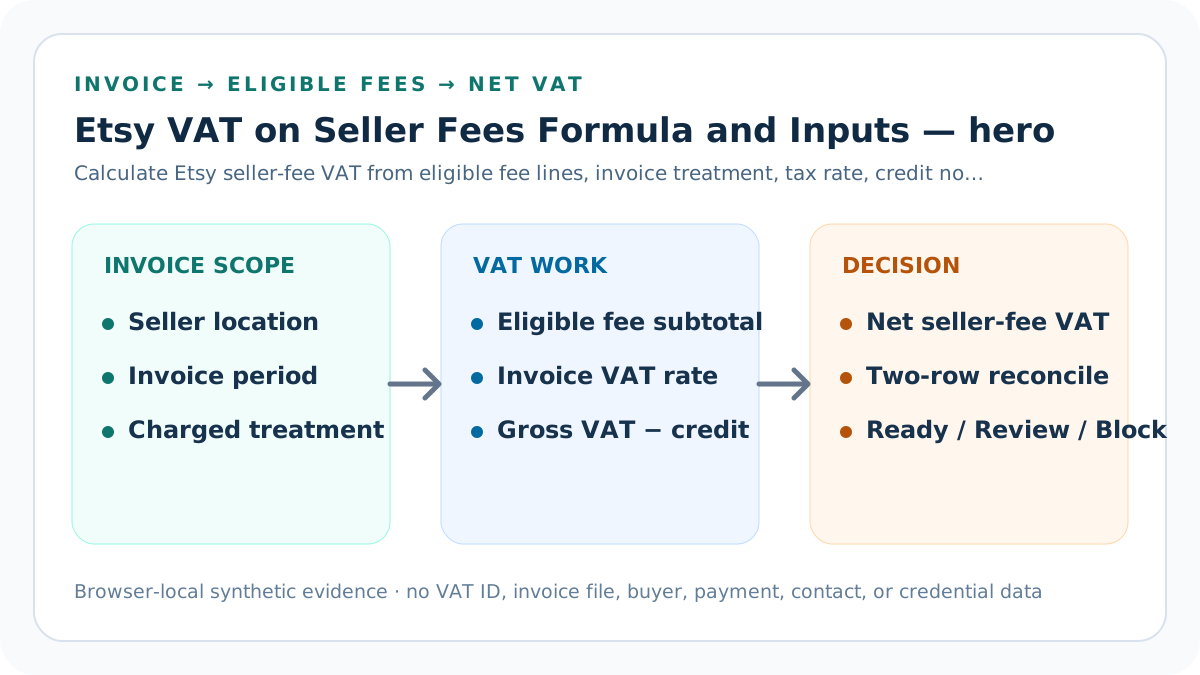
formula scope and direct decision
The calculation begins with invoice evidence, not a remembered national headline rate. Seller location, business status, VAT-ID treatment, invoice period, currency, and the invoice's charged or not-charged treatment define the evidence boundary.
Listing, transaction, processing, advertising, subscription, Regulatory Operating, and other eligible fees remain separate inputs. This preserves the ability to identify a changed classification instead of hiding it inside one unexplained subtotal.
Build the seller-fee VAT calculation contract
The formula is eligible fee subtotal multiplied by invoice rate when charged. Gross VAT minus an accountable VAT credit note equals net VAT. Both the subtotal and net VAT are reconciled independently.
The calculator blocks unknown treatment, invalid values, excessive credits, missing scope, or declared conflicts. It reconciles row differences, reviews a seller-owned threshold breach, and reports Ready only after every prior gate passes.
Freeze the invoice boundary
Record seller location, invoice month, currency, account scope, charged or not-charged treatment, and a dated evidence pointer before entering amounts.
Treat the formula as a line-level contract: the tax result is downstream of evidence, eligibility, treatment, period, and currency. For “Freeze the invoice boundary,” record the accountable invoice-period field in the seller-fee VAT calculation contract, its source version, currency, precision, modeled value, actual observation, tolerance, decision owner, and correction boundary. Reproduce EUR 5.57 of eligible fees at 20%, producing EUR 1.114 gross and net VAT; keep the same fee subtotal with documented no-charge invoice treatment isolated until evidence supports one reconciled eligible subtotal and net-VAT row.
Verification for this control includes a supported charged fixture, a monthly credit-note fixture, a documented no-charge fixture, and an unknown-treatment fixture with declared conflicts. Test the 1 control without weakening other gates. Preserve exact values before display rounding, identify any changed assumption, and restore the previous packet when the correction cannot reproduce one reconciled eligible subtotal and net-VAT row.
Classify eligible fee lines
Enter each seller-fee category separately and exclude any row the reviewed invoice does not treat as part of its VAT-eligible subtotal.
Treat the formula as a line-level contract: the tax result is downstream of evidence, eligibility, treatment, period, and currency. For “Classify eligible fee lines,” record the accountable invoice-period field in the seller-fee VAT calculation contract, its source version, currency, precision, modeled value, actual observation, tolerance, decision owner, and correction boundary. Reproduce EUR 5.57 of eligible fees at 20%, producing EUR 1.114 gross and net VAT; keep the same fee subtotal with documented no-charge invoice treatment isolated until evidence supports one reconciled eligible subtotal and net-VAT row.
Verification for this control includes a supported charged fixture, a monthly credit-note fixture, a documented no-charge fixture, and an unknown-treatment fixture with declared conflicts. Test the 2 control without weakening other gates. Preserve exact values before display rounding, identify any changed assumption, and restore the previous packet when the correction cannot reproduce one reconciled eligible subtotal and net-VAT row.
Calculate the eligible subtotal
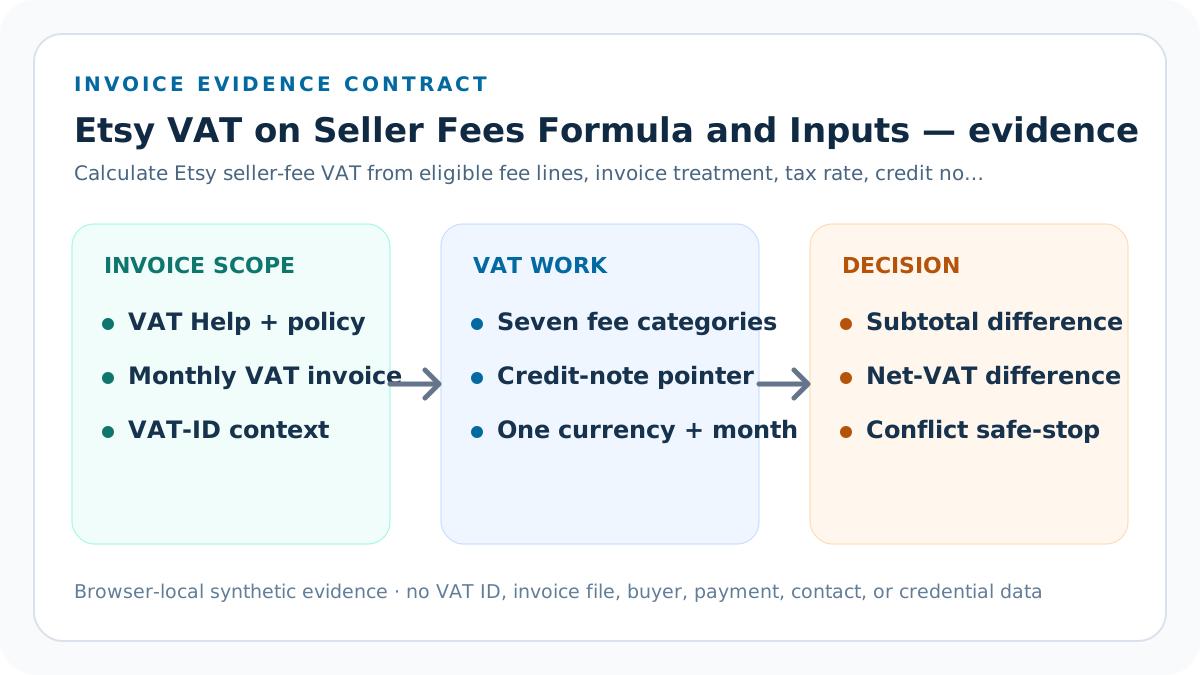
Add seven nonnegative fee-line inputs at full precision; do not add buyer VAT, customs, physical-goods import tax, payout, revenue, or refunds.
Treat the formula as a line-level contract: the tax result is downstream of evidence, eligibility, treatment, period, and currency. For “Calculate the eligible subtotal,” record the accountable invoice-period field in the seller-fee VAT calculation contract, its source version, currency, precision, modeled value, actual observation, tolerance, decision owner, and correction boundary. Reproduce EUR 5.57 of eligible fees at 20%, producing EUR 1.114 gross and net VAT; keep the same fee subtotal with documented no-charge invoice treatment isolated until evidence supports one reconciled eligible subtotal and net-VAT row.
Verification for this control includes a supported charged fixture, a monthly credit-note fixture, a documented no-charge fixture, and an unknown-treatment fixture with declared conflicts. Test the 3 control without weakening other gates. Preserve exact values before display rounding, identify any changed assumption, and restore the previous packet when the correction cannot reproduce one reconciled eligible subtotal and net-VAT row.
Apply invoice treatment
When current invoice evidence says charged, multiply by the entered rate. When it says not charged, model zero without claiming an exemption or legal conclusion.
Treat the formula as a line-level contract: the tax result is downstream of evidence, eligibility, treatment, period, and currency. For “Apply invoice treatment,” record the accountable invoice-period field in the seller-fee VAT calculation contract, its source version, currency, precision, modeled value, actual observation, tolerance, decision owner, and correction boundary. Reproduce EUR 5.57 of eligible fees at 20%, producing EUR 1.114 gross and net VAT; keep the same fee subtotal with documented no-charge invoice treatment isolated until evidence supports one reconciled eligible subtotal and net-VAT row.
Verification for this control includes a supported charged fixture, a monthly credit-note fixture, a documented no-charge fixture, and an unknown-treatment fixture with declared conflicts. Test the 4 control without weakening other gates. Preserve exact values before display rounding, identify any changed assumption, and restore the previous packet when the correction cannot reproduce one reconciled eligible subtotal and net-VAT row.
Subtract a VAT credit note
Apply only a documented VAT credit for the same evidence period and block a credit larger than gross VAT within the chosen tolerance.
Treat the formula as a line-level contract: the tax result is downstream of evidence, eligibility, treatment, period, and currency. For “Subtract a VAT credit note,” record the accountable invoice-period field in the seller-fee VAT calculation contract, its source version, currency, precision, modeled value, actual observation, tolerance, decision owner, and correction boundary. Reproduce EUR 5.57 of eligible fees at 20%, producing EUR 1.114 gross and net VAT; keep the same fee subtotal with documented no-charge invoice treatment isolated until evidence supports one reconciled eligible subtotal and net-VAT row.
Verification for this control includes a supported charged fixture, a monthly credit-note fixture, a documented no-charge fixture, and an unknown-treatment fixture with declared conflicts. Test the 5 control without weakening other gates. Preserve exact values before display rounding, identify any changed assumption, and restore the previous packet when the correction cannot reproduce one reconciled eligible subtotal and net-VAT row.
Reconcile two actual rows
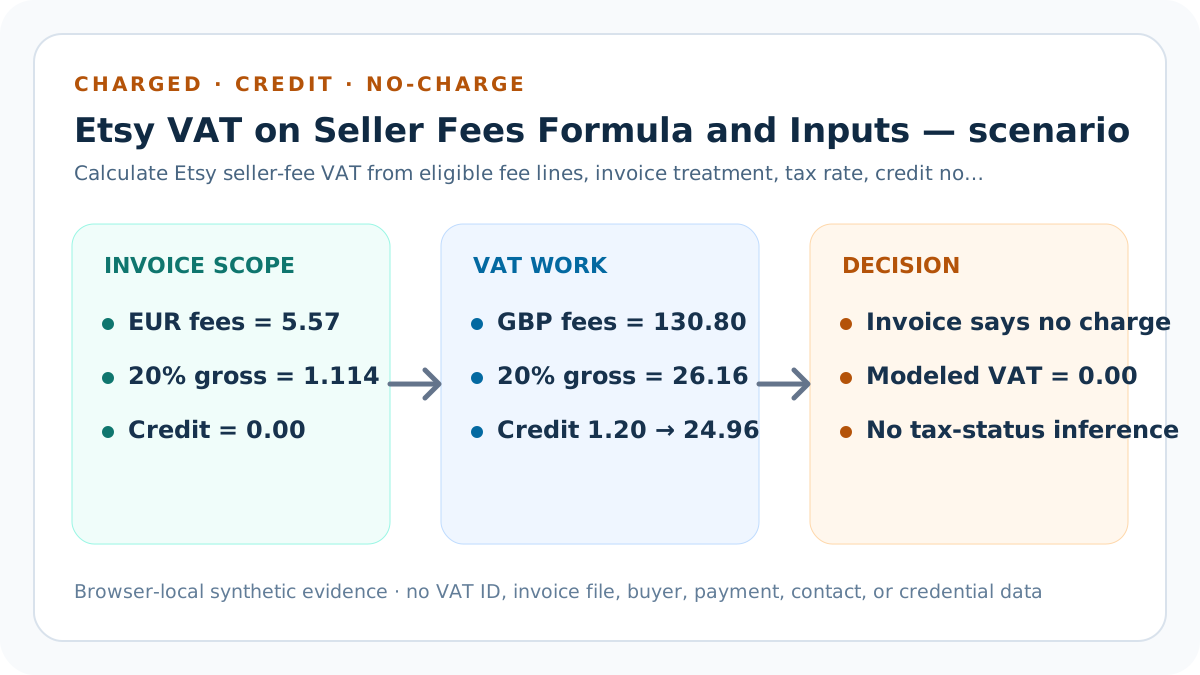
Compare the modeled fee subtotal with the invoice subtotal and modeled net VAT with actual net VAT independently.
Treat the formula as a line-level contract: the tax result is downstream of evidence, eligibility, treatment, period, and currency. For “Reconcile two actual rows,” record the accountable invoice-period field in the seller-fee VAT calculation contract, its source version, currency, precision, modeled value, actual observation, tolerance, decision owner, and correction boundary. Reproduce EUR 5.57 of eligible fees at 20%, producing EUR 1.114 gross and net VAT; keep the same fee subtotal with documented no-charge invoice treatment isolated until evidence supports one reconciled eligible subtotal and net-VAT row.
Verification for this control includes a supported charged fixture, a monthly credit-note fixture, a documented no-charge fixture, and an unknown-treatment fixture with declared conflicts. Test the 6 control without weakening other gates. Preserve exact values before display rounding, identify any changed assumption, and restore the previous packet when the correction cannot reproduce one reconciled eligible subtotal and net-VAT row.
Evaluate the review threshold
Use a seller-owned net-VAT ceiling only after evidence and reconciliation pass; the ceiling is not an Etsy or tax-authority rule.
Treat the formula as a line-level contract: the tax result is downstream of evidence, eligibility, treatment, period, and currency. For “Evaluate the review threshold,” record the accountable invoice-period field in the seller-fee VAT calculation contract, its source version, currency, precision, modeled value, actual observation, tolerance, decision owner, and correction boundary. Reproduce EUR 5.57 of eligible fees at 20%, producing EUR 1.114 gross and net VAT; keep the same fee subtotal with documented no-charge invoice treatment isolated until evidence supports one reconciled eligible subtotal and net-VAT row.
Verification for this control includes a supported charged fixture, a monthly credit-note fixture, a documented no-charge fixture, and an unknown-treatment fixture with declared conflicts. Test the 7 control without weakening other gates. Preserve exact values before display rounding, identify any changed assumption, and restore the previous packet when the correction cannot reproduce one reconciled eligible subtotal and net-VAT row.
Carry the result forward
Move only reconciled net VAT into the complete fee stack, while retaining each underlying fee line and source date for recovery.
Treat the formula as a line-level contract: the tax result is downstream of evidence, eligibility, treatment, period, and currency. For “Carry the result forward,” record the accountable invoice-period field in the seller-fee VAT calculation contract, its source version, currency, precision, modeled value, actual observation, tolerance, decision owner, and correction boundary. Reproduce EUR 5.57 of eligible fees at 20%, producing EUR 1.114 gross and net VAT; keep the same fee subtotal with documented no-charge invoice treatment isolated until evidence supports one reconciled eligible subtotal and net-VAT row.
Verification for this control includes a supported charged fixture, a monthly credit-note fixture, a documented no-charge fixture, and an unknown-treatment fixture with declared conflicts. Test the 8 control without weakening other gates. Preserve exact values before display rounding, identify any changed assumption, and restore the previous packet when the correction cannot reproduce one reconciled eligible subtotal and net-VAT row.
Verification, release, and invoice feedback
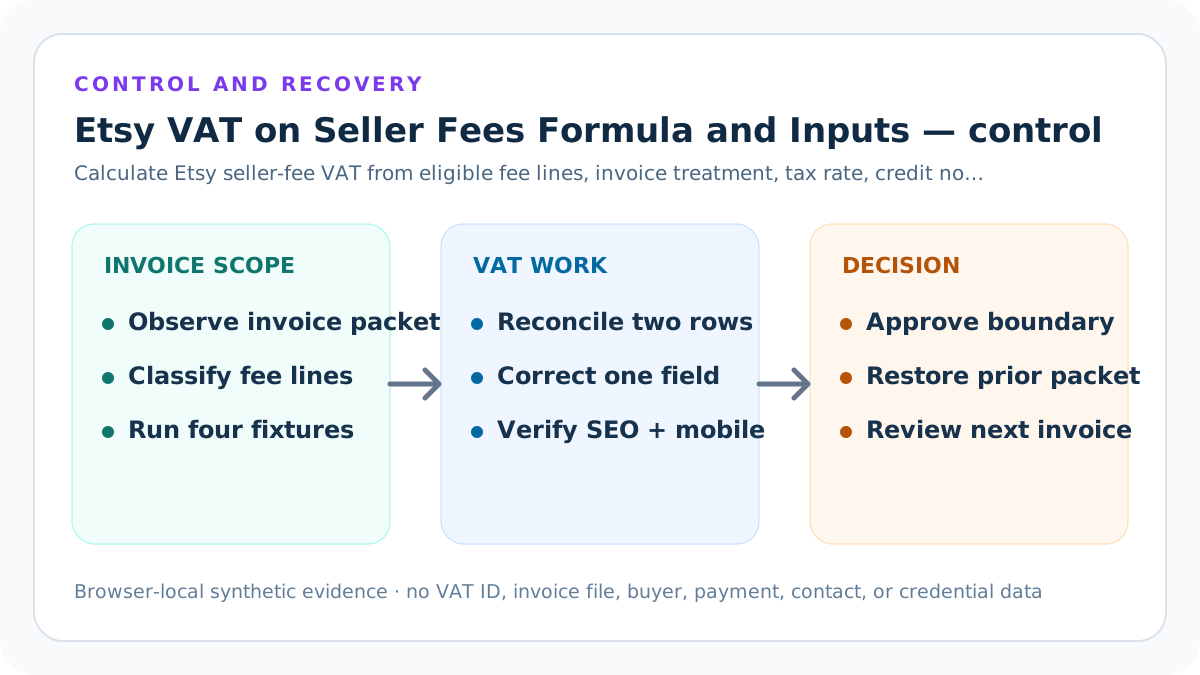
Before changing a fee-stack value, public route, source statement, or calculator default, preserve the seller-fee VAT calculation contract, official-source versions, privacy-safe evidence pointers, current inputs, expected fixtures, tests, build output, route inventory, release manifest, and rollback identifier. Require real YYYY-MM-DD guidance and invoice-evidence review dates, the exact “One Etsy monthly VAT invoice” scope, and yes confirmations for seller location, invoice treatment, VAT-ID and business-status context, eligible fee lines, buyer-tax exclusions, credit-note period, and comparable actual rows. Confirm the target environment and safe-stop on unexpected account, authentication, warning, or production context.
After one bounded correction, rerun EUR 5.57 of eligible fees at 20%, producing EUR 1.114 gross and net VAT, the same fee subtotal with documented no-charge invoice treatment, the monthly credit packet, the no-charge packet, the non-compensating subtotal-and-tax-difference packet, and the invalid-evidence packet. Inspect exact and displayed amounts, category VAT, eligible subtotal, gross tax, credit, net tax, both differences, evidence dates and confirmations, threshold, mobile result layout, canonical, schema, original images, sources, internal links, and indexability.
Limits, privacy boundary, and next action
This guide and calculator use seller-entered summaries and synthetic fixtures. They do not retrieve Etsy data, authenticate invoices, accounts, VAT IDs, orders, payouts, or bank deposits, decide tax registration or liability, prepare a return, reproduce every jurisdiction, change marketplace state, or prove search ranking, traffic, qualified intent, AdSense approval, revenue, income, or final profit.
Keep buyer names, emails, addresses, messages, order and listing IDs, payment rows, bank details, tax identifiers, invoice files, contacts, labels, tokens, OAuth material, credentials, and raw exports outside the seller-fee VAT calculation contract. Verify current Etsy sources and actual account evidence, reconcile a privacy-safe packet, and obtain qualified accounting, tax, or legal advice when material.
Sources and further reading
- Etsy Help: How VAT Is Collected on Seller Fees: Location, business-status and VAT-ID treatment, monthly VAT invoices issued for the prior statement, eligible Etsy Payments processing fees, and later-period credit-note context.
- Etsy Fees and Payments Policy: Current seller-fee policy, VAT-exclusive fee presentation, seller location and business-status boundary, and policy effective date.
- Etsy Help: Manage Your Payment Account: Monthly statement, downloadable VAT statement and credit-note evidence used for actual-row reconciliation.
- Etsy Help: Payment Processing Fees: Etsy Payments processing-fee scope and the locations where VAT can apply to that seller-fee line.
- Etsy Help: VAT ID Requirements: VAT-ID account context and the boundary between marketplace records and a seller's legal tax obligations.
- Seller Profit Guard methodology: Evidence precedence, synthetic fixtures, browser-local calculation, privacy boundaries, validation, release, correction, and rollback.
Related Seller Profit Guard tools
- Open the Etsy VAT on Seller Fees Calculator: Model eligible fee lines, gross VAT, a credit note, net VAT, actual rows, and a review threshold.
- Build the complete Etsy fee stack: Carry reconciled seller-fee VAT into the wider listing, transaction, processing, advertising, conversion, and operating-cost stack.
- Compare transaction and processing fees: Keep the two underlying seller-fee lines separate before applying invoice VAT.
- Estimate a Regulatory Operating fee: Calculate the regional seller fee before classifying any VAT charged on that fee.
- Reconcile the Payment account: Compare expected charges and credits with dated account evidence.
- Read the local-first methodology: Keep tax IDs, buyer records, orders, payment details, contacts, credentials, and raw exports outside public pages.
- Etsy Seller-Fee VAT Worked Example: Continue the formula, example, source, threshold, comparison, routine, interpretation, or audit workflow.
- Monthly Etsy Seller-Fee VAT and Credit Note Example: Continue the formula, example, source, threshold, comparison, routine, interpretation, or audit workflow.
- 12 Etsy Seller-Fee VAT Mistakes: Continue the formula, example, source, threshold, comparison, routine, interpretation, or audit workflow.
- Etsy Seller-Fee VAT Data Sources: Continue the formula, example, source, threshold, comparison, routine, interpretation, or audit workflow.
- Safe Etsy Seller-Fee VAT Decision Thresholds: Continue the formula, example, source, threshold, comparison, routine, interpretation, or audit workflow.
Next step: Open the Etsy VAT on Seller Fees Calculator.
This is operational planning help, not tax, accounting, legal, financial, or platform-policy advice. Review the Terms and disclaimer, and verify current platform rules and fee assumptions before changing prices.