How to decide whether Etsy personalization instructions are ready
Last updated: 2026-07-30
Written and reviewed by Seller Profit Guard Editorial Team.
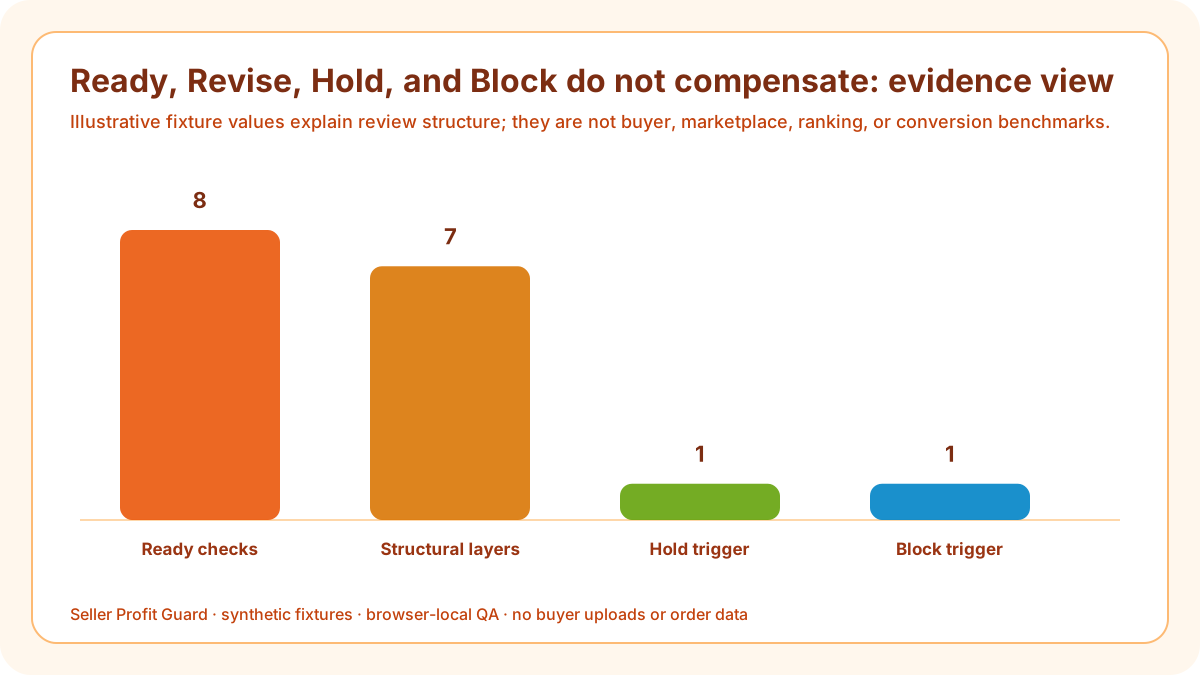
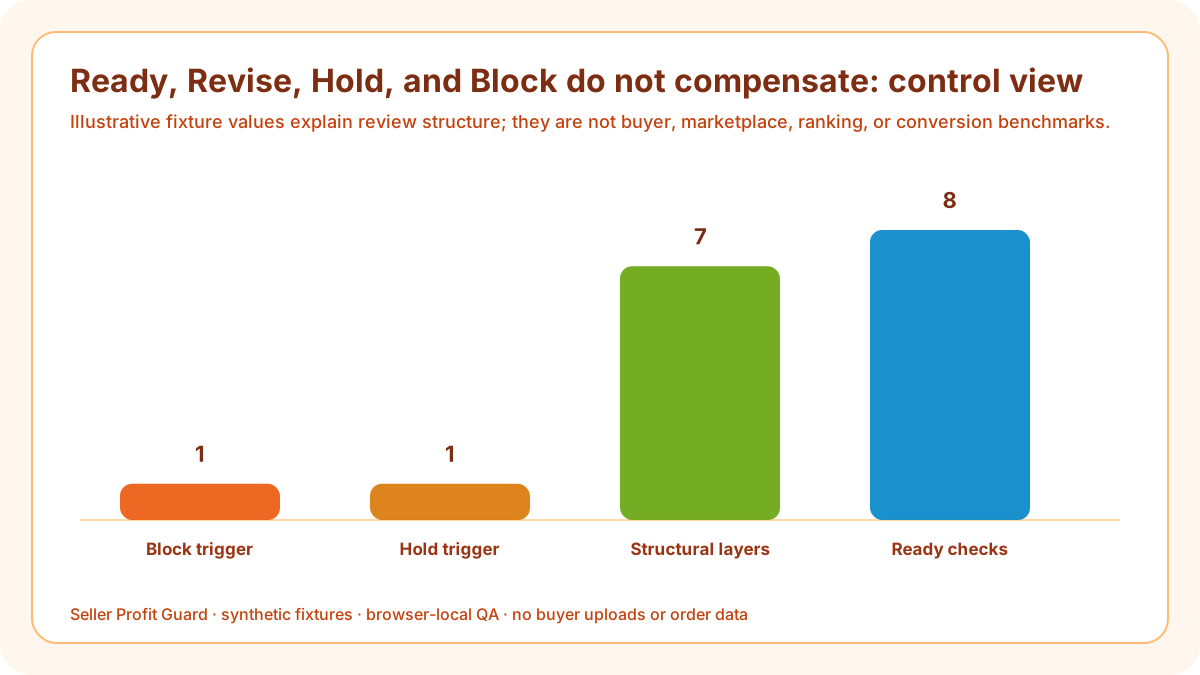
Use Ready only when all eight checks pass, focused fields match production scope, paired examples are reproducible, proof and exception timing are explicit, no known discrepancy remains, and evidence is current. Use Revise for structural gaps, Hold for missing provenance after structural passes, and Block for declared vague, conflicting, unsafe, or stale instructions.

release threshold: scope and decision
Write thresholds before a launch date or aggregate score is visible. Otherwise a required production input becomes optional, an unsafe data request becomes a copy edit, or an undefined proof deadline remains live because most other checks pass.
The eight checks are related but not interchangeable. A valid example cannot compensate for missing scope; a clear field cannot compensate for an impossible processing promise; a dated evidence note cannot authorize a known public mismatch.
Build the personalization decision gate before analysis
Known discrepancies have Block precedence. Revise names structural work, Hold protects missing authority after structure passes, and Block stops acknowledged buyer, privacy, pricing, proof, production, or public-state contradictions.
Ready permits a bounded release and public verification. It does not certify content rights, legal or policy eligibility, product accuracy, file quality, delivery, ranking, conversion, revenue, refund prevention, or AdSense approval.
Ready requires eight passes
Scope is specific, fields are focused and supported, instructions name the action and format, limits are concrete and safe, paired examples exist, proof timing is explicit, exceptions align with processing, and current evidence is recorded.
Apply the threshold to “Ready requires eight passes” before reading the aggregate score. The personalization decision gate keeps known unsafe contact request non-compensating and lets complete engraving contract advance only with current evidence. This makes a non-compensating personalization release decision an operating decision rather than a prediction of marketplace, delivery, search, conversion, revenue, refund, or approval outcomes.
Revise names the failed layer
A structural failure should identify scope, field, instruction, limit, example, proof, exception, or timing. Repair its source and dependent public surfaces rather than rewriting unrelated titles, tags, categories, or photos.
Apply the threshold to “Revise names the failed layer” before reading the aggregate score. The personalization decision gate keeps known unsafe contact request non-compensating and lets complete engraving contract advance only with current evidence. This makes a non-compensating personalization release decision an operating decision rather than a prediction of marketplace, delivery, search, conversion, revenue, refund, or approval outcomes.
Hold protects missing provenance
When structural checks pass but product version, field observation, sample, proof procedure, processing profile, reviewer, or public-view date is absent, Hold prevents a coherent-looking but stale contract from becoming certainty.
Apply the threshold to “Hold protects missing provenance” before reading the aggregate score. The personalization decision gate keeps known unsafe contact request non-compensating and lets complete engraving contract advance only with current evidence. This makes a non-compensating personalization release decision an operating decision rather than a prediction of marketplace, delivery, search, conversion, revenue, refund, or approval outcomes.
Block protects known contradictions
A declared unsafe request, impossible format, retired font, optional required field, wrong price behavior, unavailable proof, stale deadline, public mismatch, or unfulfillable order path creates Block until resolved.
Apply the threshold to “Block protects known contradictions” before reading the aggregate score. The personalization decision gate keeps known unsafe contact request non-compensating and lets complete engraving contract advance only with current evidence. This makes a non-compensating personalization release decision an operating decision rather than a prediction of marketplace, delivery, search, conversion, revenue, refund, or approval outcomes.
Define critical consequences
A field that can cause the wrong text, image, material, subject, layout, total price, timing, cart record, or production file should stop publication or trigger rollback even when only one layer fails.
Apply the threshold to “Define critical consequences” before reading the aggregate score. The personalization decision gate keeps known unsafe contact request non-compensating and lets complete engraving contract advance only with current evidence. This makes a non-compensating personalization release decision an operating decision rather than a prediction of marketplace, delivery, search, conversion, revenue, refund, or approval outcomes.

Stress-test the hardest valid input
Use the longest allowed text, permitted punctuation, maximum subject count, most demanding accepted file, proof-required path, and slowest approved processing case. Defaults often hide edge failures.
Apply the threshold to “Stress-test the hardest valid input” before reading the aggregate score. The personalization decision gate keeps known unsafe contact request non-compensating and lets complete engraving contract advance only with current evidence. This makes a non-compensating personalization release decision an operating decision rather than a prediction of marketplace, delivery, search, conversion, revenue, refund, or approval outcomes.
Stress-test invalid input
Try blank required fields, over-limit values, unsupported symbols, unsafe contact data, missing or unusable files, open redesign requests, missed approval, stale options, and timing conflicts. Expected failure handling must be explicit.
Apply the threshold to “Stress-test invalid input” before reading the aggregate score. The personalization decision gate keeps known unsafe contact request non-compensating and lets complete engraving contract advance only with current evidence. This makes a non-compensating personalization release decision an operating decision rather than a prediction of marketplace, delivery, search, conversion, revenue, refund, or approval outcomes.
Close with public feedback
After release, observe field labels, controls, required state, limits, examples, total price, processing, cart summary, and seller order view. Restore preserved values when any critical path differs from approval.
Apply the threshold to “Close with public feedback” before reading the aggregate score. The personalization decision gate keeps known unsafe contact request non-compensating and lets complete engraving contract advance only with current evidence. This makes a non-compensating personalization release decision an operating decision rather than a prediction of marketplace, delivery, search, conversion, revenue, refund, or approval outcomes.
Verification, release, and rollback controls
Before changing public fields, preserve the personalization decision gate, product and production versions, field configuration, dependent copy and images, pricing and processing context, test fixtures, approval, and rollback identifier. Confirm the correct account and listing. Safe-stop on login or CAPTCHA ambiguity, a platform warning, wrong profile, missing target context, private data, or unexpected editor state.
After one bounded release, verify complete engraving contract on mobile and desktop and deliberately revisit known unsafe contact request. Check labels, field types, required states, limits, options, uploads, examples, total price, processing, cart summary, and seller order representation. Restore the approved prior state when a critical path does not support a non-compensating personalization release decision.
Limits, privacy boundary, and next action
This guide and checker use seller-entered text and synthetic fixtures. They do not retrieve Etsy data, edit a listing, open an upload, inspect a portrait, validate consent or intellectual-property rights, confirm product truth, certify policy compliance, or predict ranking, clicks, conversion, sales, refunds, income, or AdSense approval. Seller Profit Guard is independent and unaffiliated with Etsy and provides operational QA rather than legal, tax, accounting, privacy, accessibility, inventory, delivery, or platform advice.
Keep buyer names, emails, addresses, messages, order IDs, portraits, files, receipts, payment details, credentials, OAuth data, and raw CSV rows outside the personalization decision gate. The next action is to repair the named source, rerun complete and crossed fixtures, release only the approved set, inspect public and seller paths, and record whether a non-compensating personalization release decision was verified or rolled back.
Sources and further reading
- Etsy Help: How to Offer Personalized Listings: Current five-field limit, text/list/file field contracts, focused-field guidance, file-upload limits, personalization-versus-variation boundary, and optional text-box add-on pricing.
- Etsy Help: How to Create a Listing: Current listing item-options workflow, personalization instructions, required state, character boundary, and physical or digital listing context.
- Etsy Help: How Buyers Request Personalized or Custom Items: Current buyer-facing personalization path, file or image instructions, custom request, price, timing, and transaction context.
- Etsy Help: Processing Times and Processing Profiles: Current made-to-order preparation, listing or variation processing profiles, and ship-by expectation context.
- Etsy Seller Policy: Current seller accuracy, representation, privacy, communication, service, and marketplace-responsibility boundaries.
- Seller Profit Guard methodology: Evidence hierarchy, privacy boundary, deterministic fixtures, uncertainty, bounded release, public feedback, and recovery.
Related Seller Profit Guard tools
- Open the Etsy Personalization Instruction Checker: Review field scope, instructions, limits, examples, proofing, exceptions, processing, and evidence.
- Check Etsy variation naming: Keep finite product choices separate from buyer-entered personalization.
- Check description clarity: Reconcile public listing copy with the structured personalization contract.
- Check photo coverage: Show truthful finished examples and clearly label options and illustrative mockups.
- Review processing-time evidence: Keep production, proof waiting, and carrier transit expectations separate.
- Read the local-first methodology: Use synthetic fixtures, preserve privacy, verify public state, and retain rollback values.
- Etsy Personalization Instructions: Inputs and Checks: Continue the field, example, proof, exception, decision, release, interpretation, or audit workflow.
- Etsy Engraving Instructions Worked Example: Continue the field, example, proof, exception, decision, release, interpretation, or audit workflow.
- Etsy Custom Portrait Input Instructions: Continue the field, example, proof, exception, decision, release, interpretation, or audit workflow.
- 12 Etsy Personalization Instruction Mistakes: Continue the field, example, proof, exception, decision, release, interpretation, or audit workflow.
- Evidence Sources for Etsy Personalization Instructions: Continue the field, example, proof, exception, decision, release, interpretation, or audit workflow.
Next step: Open the Etsy Personalization Instruction Checker.
This is operational planning help, not tax, accounting, legal, financial, or platform-policy advice. Review the Terms and disclaimer, and verify current platform rules and fee assumptions before changing prices.