A weekly routine for Etsy listing renewal costs
Last updated: 2026-07-30
Written and reviewed by Seller Profit Guard Editorial Team.
Each week, freeze current Etsy listing-fee sources, select a privacy-safe review period, reconcile initial, auto-renew-sold, multi-quantity, expired, and manual renewal rows, aggregate actual units sold, rerun slow, bestseller, zero-sale, and broken-evidence fixtures, classify Block, Reconcile, Review, or Ready, approve one bounded action, and preserve the prior packet for rollback.
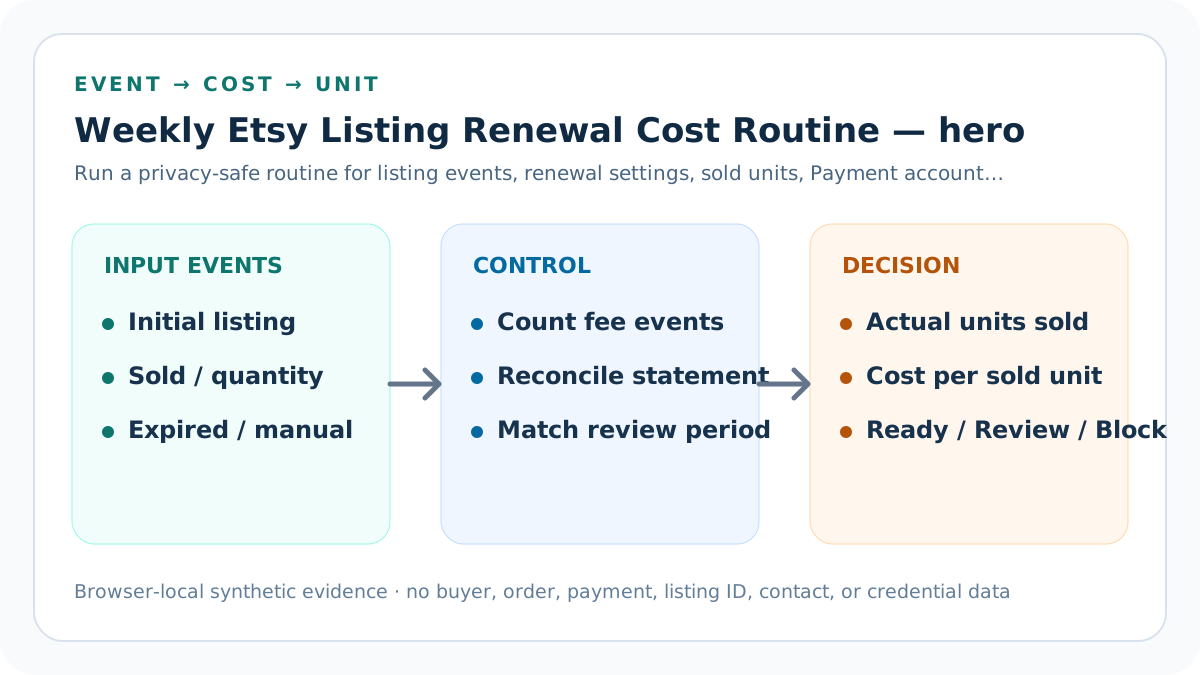
weekly renewal evidence loop: scope and decision
A weekly loop catches event and statement drift while the four-month expiry clock moves more slowly. The frequency is for evidence hygiene, not permission to renew, deactivate, edit, or publish listings automatically.
Keep private identifiers in approved systems. The operating log stores aggregate event counts, sold units, model currency, actual subtotal, evidence pointers, source versions, decisions, owners, and recovery material.
Build the dated listing-cost operating log before acting
Every run preserves observation, selection, inputs, deterministic fixtures, expected outputs, actual feedback, classification, bounded correction, approval, rollback, and next trigger.
When no accountable source, event, setting, fee row, sold-unit count, or target condition changed, record no action. Repeated execution alone does not justify public content or marketplace mutations.
Observe official sources
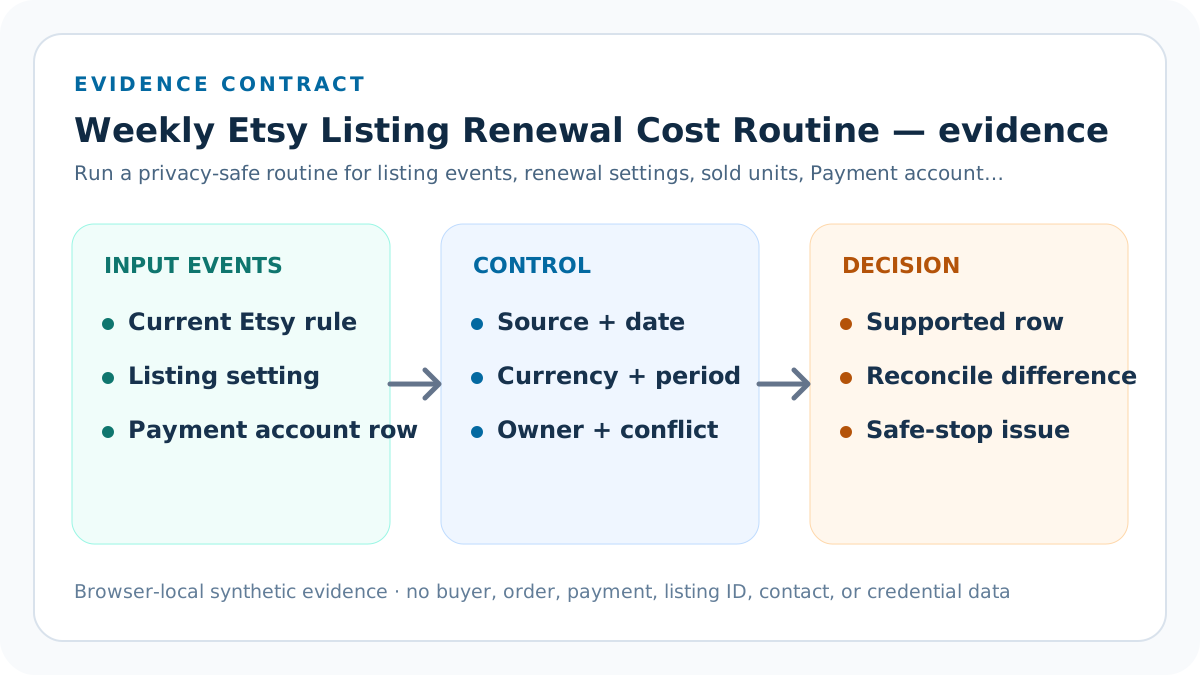
Check the Fees and Payments Policy, fee overview, multiple-quantity examples, renewal Help, and Payment account guidance for accountable changes.
Place “Observe official sources” in the dated listing-cost operating log with observation date, trigger, owner, source version, selected population, expected fixtures, actual statement feedback, correction, approval, rollback, and next review. A recurring run proves control only when a current portfolio sample with matched fee and sale periods still produces repeatable listing exposure evidence without public private data.
Close “Observe official sources” only after supported fixtures pass, the broken fixture blocks, source versions are current, privacy-safe statement observations are classified, and the chosen action has an owner and rollback. If nothing accountable changed, record no action instead of editing public content.
Select the evidence period
Define dates, currency, listing population, privacy-safe aggregation, statement coverage, and reviewer before collecting counts.
Place “Select the evidence period” in the dated listing-cost operating log with observation date, trigger, owner, source version, selected population, expected fixtures, actual statement feedback, correction, approval, rollback, and next review. A recurring run proves control only when a current portfolio sample with matched fee and sale periods still produces repeatable listing exposure evidence without public private data.
Close “Select the evidence period” only after supported fixtures pass, the broken fixture blocks, source versions are current, privacy-safe statement observations are classified, and the chosen action has an owner and rollback. If nothing accountable changed, record no action instead of editing public content.
Collect event counts
Separate initial listing, auto-renew sold, multi-quantity, expired renewal, and manual renewal rows from the same window.
Place “Collect event counts” in the dated listing-cost operating log with observation date, trigger, owner, source version, selected population, expected fixtures, actual statement feedback, correction, approval, rollback, and next review. A recurring run proves control only when a current portfolio sample with matched fee and sale periods still produces repeatable listing exposure evidence without public private data.
Close “Collect event counts” only after supported fixtures pass, the broken fixture blocks, source versions are current, privacy-safe statement observations are classified, and the chosen action has an owner and rollback. If nothing accountable changed, record no action instead of editing public content.
Collect actual sold units
Aggregate completed unit quantities inside the same period without copying buyer, order, address, message, or raw CSV data.
Place “Collect actual sold units” in the dated listing-cost operating log with observation date, trigger, owner, source version, selected population, expected fixtures, actual statement feedback, correction, approval, rollback, and next review. A recurring run proves control only when a current portfolio sample with matched fee and sale periods still produces repeatable listing exposure evidence without public private data.
Close “Collect actual sold units” only after supported fixtures pass, the broken fixture blocks, source versions are current, privacy-safe statement observations are classified, and the chosen action has an owner and rollback. If nothing accountable changed, record no action instead of editing public content.
Run deterministic fixtures
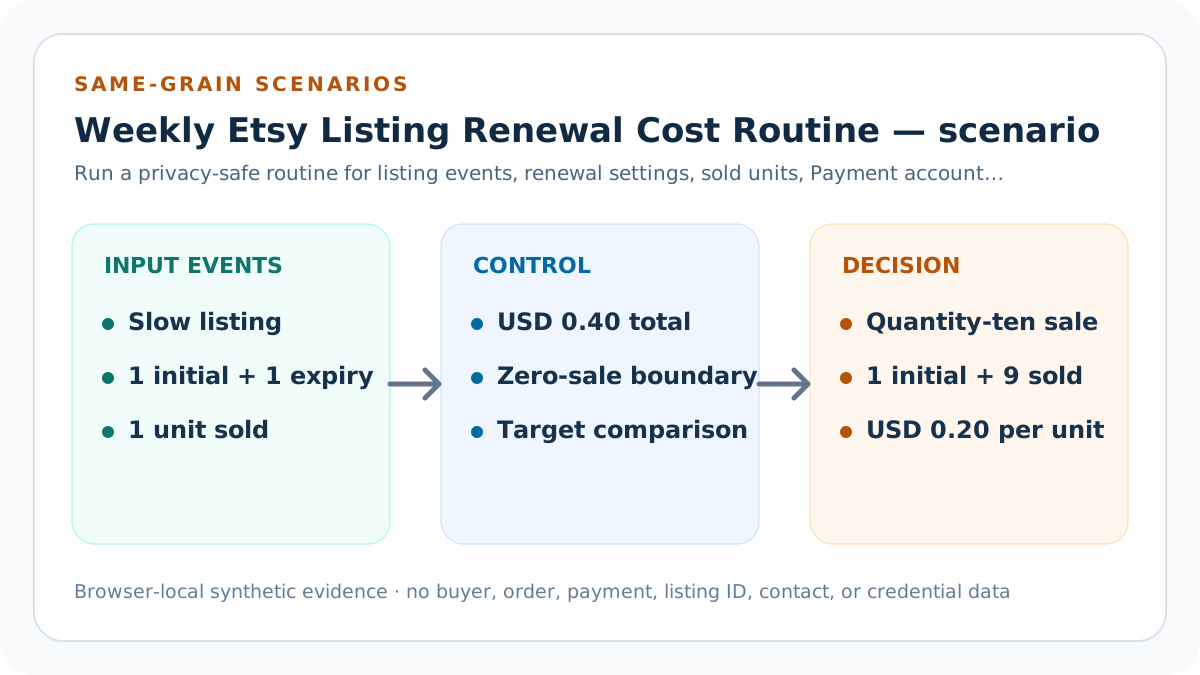
Reproduce the slow USD 0.40, bestseller USD 0.20 per unit, zero-sale undefined denominator, and three-conflict Block fixtures.
Place “Run deterministic fixtures” in the dated listing-cost operating log with observation date, trigger, owner, source version, selected population, expected fixtures, actual statement feedback, correction, approval, rollback, and next review. A recurring run proves control only when a current portfolio sample with matched fee and sale periods still produces repeatable listing exposure evidence without public private data.
Close “Run deterministic fixtures” only after supported fixtures pass, the broken fixture blocks, source versions are current, privacy-safe statement observations are classified, and the chosen action has an owner and rollback. If nothing accountable changed, record no action instead of editing public content.
Reconcile and classify
Compare modeled subtotal with actual rows, calculate actual allocation only when units sold exceed zero, and apply the seller target.
Place “Reconcile and classify” in the dated listing-cost operating log with observation date, trigger, owner, source version, selected population, expected fixtures, actual statement feedback, correction, approval, rollback, and next review. A recurring run proves control only when a current portfolio sample with matched fee and sale periods still produces repeatable listing exposure evidence without public private data.
Close “Reconcile and classify” only after supported fixtures pass, the broken fixture blocks, source versions are current, privacy-safe statement observations are classified, and the chosen action has an owner and rollback. If nothing accountable changed, record no action instead of editing public content.
Approve one bounded action
Choose a listing-level review, setting check, price-model update, evidence repair, or no action; do not automate marketplace changes.
Place “Approve one bounded action” in the dated listing-cost operating log with observation date, trigger, owner, source version, selected population, expected fixtures, actual statement feedback, correction, approval, rollback, and next review. A recurring run proves control only when a current portfolio sample with matched fee and sale periods still produces repeatable listing exposure evidence without public private data.
Close “Approve one bounded action” only after supported fixtures pass, the broken fixture blocks, source versions are current, privacy-safe statement observations are classified, and the chosen action has an owner and rollback. If nothing accountable changed, record no action instead of editing public content.
Close or restore
Record outcome, owner, next trigger, and rollback identifier; restore the prior packet after a critical regression or unverified scope change.
Place “Close or restore” in the dated listing-cost operating log with observation date, trigger, owner, source version, selected population, expected fixtures, actual statement feedback, correction, approval, rollback, and next review. A recurring run proves control only when a current portfolio sample with matched fee and sale periods still produces repeatable listing exposure evidence without public private data.
Close “Close or restore” only after supported fixtures pass, the broken fixture blocks, source versions are current, privacy-safe statement observations are classified, and the chosen action has an owner and rollback. If nothing accountable changed, record no action instead of editing public content.
Verification, release, and Payment account feedback
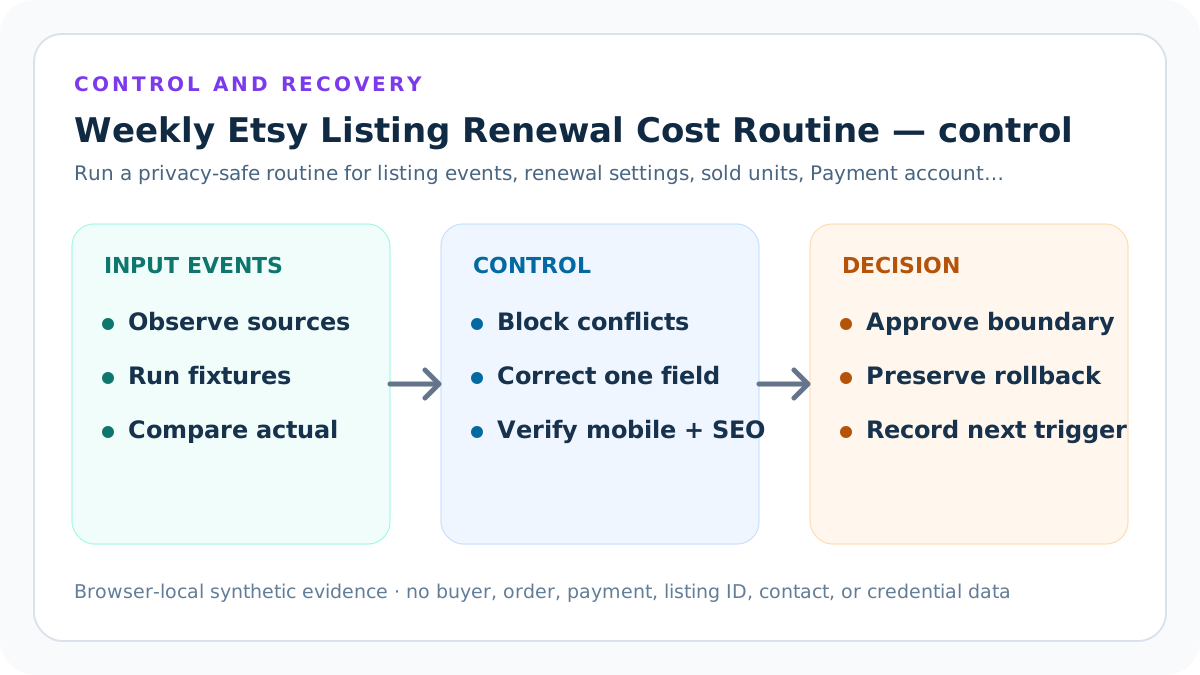
Before changing price, renewal settings, listing state, or calculator defaults, preserve the dated listing-cost operating log, official-source versions, private evidence pointer, current inputs, expected fixtures, tests, build, route state, and rollback identifier. Confirm the exact target environment and safe-stop on an unexpected account or production context.
After one bounded correction, rerun a current portfolio sample with matched fee and sale periods, the prior packet before a source, setting, or statement change, the zero-sale fixture, and a declared-conflict fixture. Inspect exact and displayed amounts, event totals, statement difference, actual and planned denominators, mobile results, canonical, sources, original visuals, internal links, and privacy-safe feedback. Restore the prior packet if a critical result cannot support repeatable listing exposure evidence without public private data.
Limits, privacy boundary, and next action
This guide and calculator use seller-entered summaries and synthetic fixtures. They do not retrieve Etsy data, authenticate listings or events, decide taxes, reproduce every conversion or credit, change renewal settings, measure demand, include every Etsy fee, or prove ranking, traffic, qualified intent, AdSense approval, income, or final profit.
Keep buyer names, emails, addresses, messages, order IDs, listing IDs, payment rows, bank details, tax identifiers, labels, tokens, OAuth material, credentials, and raw CSV outside the dated listing-cost operating log. Verify current Etsy sources and the seller's actual account, reconcile an approved privacy-safe sample, and obtain qualified accounting, tax, or legal advice when material.
Sources and further reading
- Etsy Help: Fees and Listing Multiple Quantities: Current initial listing, multiple-quantity, auto-renew-sold, remaining-quantity, Payment account label, and conversion examples.
- Etsy Help: Fees and Taxes for Selling: Current listing, auto-renew-expired, auto-renew-sold, private-listing, four-month, and surrounding fee boundaries.
- Etsy Help: Renew or Hide Listings: Current renewal charge, four-month date reset, automatic or manual renewal choice, and sold-out listing handling.
- Etsy Help: Fee Basics: Current plain-language listing, auto-renew-sold, multi-quantity, private listing, and Payment account distinctions.
- Etsy Fees and Payments Policy: Controlling listing-fee definitions, expiry, renewal, multiple quantity, currency, tax, deduction, and seller responsibility.
- Etsy Help: Manage Your Payment Account: Payment account, monthly statement, fee, tax, credit, balance, and payout-period reconciliation.
- Seller Profit Guard methodology: Evidence hierarchy, privacy-safe fixtures, deterministic allocation, bounded release, correction, and rollback.
Related Seller Profit Guard tools
- Open the listing renewal cost calculator: Allocate listing and renewal event costs across actual and expected sold units.
- Build the complete Etsy fee stack: Add transaction, processing, ads, conversion, regulatory, tax, operating cost, and contribution.
- Reconcile the Etsy Payment account: Compare modeled listing events with actual statement fee rows and credits.
- Run Seller Profit Guard: Carry reconciled listing costs into SKU-level product, shipping, return, and target-profit analysis.
- Use the Etsy fee reference: Review current fee names, boundaries, and source dates.
- Read the local-first methodology: Keep buyer, order, payment, contact, and credential data outside public pages.
- Etsy Listing Renewal Cost Formula: Continue the event, example, source, threshold, comparison, routine, interpretation, or audit workflow.
- Slow-Moving Etsy Listing Renewal Example: Continue the event, example, source, threshold, comparison, routine, interpretation, or audit workflow.
- Multi-Quantity Etsy Listing Fee Example: Continue the event, example, source, threshold, comparison, routine, interpretation, or audit workflow.
- 12 Etsy Listing Renewal Cost Mistakes: Continue the event, example, source, threshold, comparison, routine, interpretation, or audit workflow.
- Etsy Listing and Renewal Fee Data Sources: Continue the event, example, source, threshold, comparison, routine, interpretation, or audit workflow.
Next step: Open the Etsy Listing Renewal Cost Calculator.
This is operational planning help, not tax, accounting, legal, financial, or platform-policy advice. Review the Terms and disclaimer, and verify current platform rules and fee assumptions before changing prices.