A repeatable operating routine for Etsy digital listing files
Last updated: 2026-07-30
Written and reviewed by Seller Profit Guard Editorial Team.
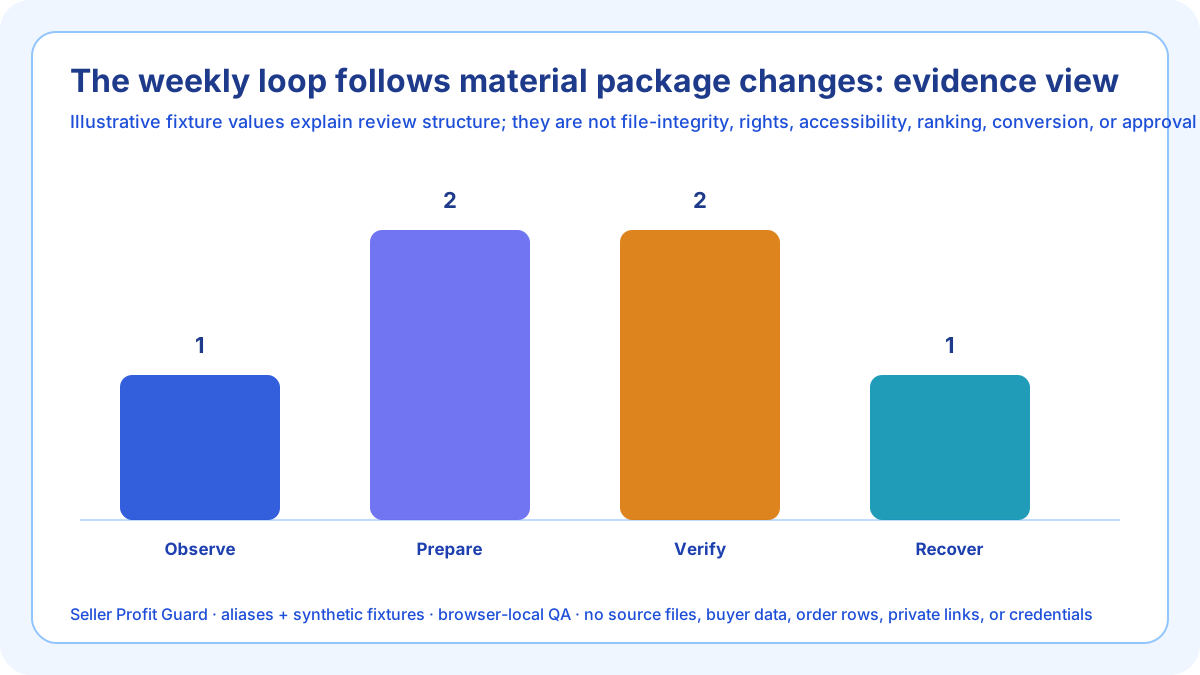
Review digital packages when a source, export setting, file, dependency, license, preview, instruction, Etsy rule, or support pattern changes. Observe the trigger, classify consequence, select one listing, refresh sources, generate a manifest, run complete and failure fixtures, test on a clean device, preserve the prior package, release once, inspect buyer-visible delivery, and verify or restore.

trigger-based package maintenance: scope and decision
A weekly routine is a review cadence, not a command to replace stable files. Trigger work when content changes, an export setting moves, a dependency updates, a license changes, a preview becomes stale, an instruction fails, Etsy revises a rule, or aggregate support shows a reproducible package defect.
Observe first, classify buyer consequence, select one bounded listing and package, refresh accountable sources, generate the exact manifest, run complete and deliberately broken fixtures, back up, release once, inspect public and download paths, and restore on critical mismatch.
Build the weekly digital release register before analysis
The register stores listing and file aliases, versions, sizes, package facts, dependencies, license version, preview mappings, test device, decisions, approval, observations, and rollback. It excludes buyer files, customer contacts, order rows, private links, source art, and credentials.
Traffic and sales do not prove file integrity. Aggregate download questions, corruption reports, printing problems, missing-font cases, or refund reasons can prioritize review, but the exact candidate and observed buyer path close the technical decision.
Observe material triggers
Compare source versions, export settings, file sizes, archive members, dependencies, licenses, previews, listing copy, buyer note, official sources, support categories, and unresolved issue log.
Place “Observe material triggers” in the weekly weekly digital release register with a trigger, owner, exact candidate, complete fixture, failure fixture, clean-path test, approval, public feedback, and rollback. Close only after an observed and reversible maintenance cycle is observed and a later review trigger is assigned.
Classify consequence
Stop missing or unsafe delivery, corruption, rights conflict, and false preview first. Queue naming, convenience, or documentation improvements after purchased-product access is protected.
Place “Classify consequence” in the weekly weekly digital release register with a trigger, owner, exact candidate, complete fixture, failure fixture, clean-path test, approval, public feedback, and rollback. Close only after an observed and reversible maintenance cycle is observed and a later review trigger is assigned.
Select one package
Bound work to one listing and version. Avoid simultaneous title, tags, price, category, personalization, unrelated images, and second-product changes that obstruct causal rollback.
Place “Select one package” in the weekly weekly digital release register with a trigger, owner, exact candidate, complete fixture, failure fixture, clean-path test, approval, public feedback, and rollback. Close only after an observed and reversible maintenance cycle is observed and a later review trigger is assigned.
Generate sources and fixtures
Produce the candidate manifest and run valid, excess-count, unsupported, oversized, invalid-name, corrupt, dependency, preview, license, support, and no-evidence cases.
Place “Generate sources and fixtures” in the weekly weekly digital release register with a trigger, owner, exact candidate, complete fixture, failure fixture, clean-path test, approval, public feedback, and rollback. Close only after an observed and reversible maintenance cycle is observed and a later review trigger is assigned.
Test the clean buyer path
Use a clean browser, device, account, reader, editor, printer, or media player appropriate to the product. Record observed outcomes instead of a creator-workstation assumption.
Place “Test the clean buyer path” in the weekly weekly digital release register with a trigger, owner, exact candidate, complete fixture, failure fixture, clean-path test, approval, public feedback, and rollback. Close only after an observed and reversible maintenance cycle is observed and a later review trigger is assigned.

Pass backup and approval
Preserve prior files, listing copy, previews, note, license, source versions, expected fixtures, reviewer, approval, and rollback identifier before any replacement.
Place “Pass backup and approval” in the weekly weekly digital release register with a trigger, owner, exact candidate, complete fixture, failure fixture, clean-path test, approval, public feedback, and rollback. Close only after an observed and reversible maintenance cycle is observed and a later review trigger is assigned.
Verify public and delivery surfaces
Inspect buyer-visible names, Highlights, description, images, note, and actual access path on mobile browser and computer. Safe-stop on account ambiguity or platform warnings.
Place “Verify public and delivery surfaces” in the weekly weekly digital release register with a trigger, owner, exact candidate, complete fixture, failure fixture, clean-path test, approval, public feedback, and rollback. Close only after an observed and reversible maintenance cycle is observed and a later review trigger is assigned.
Measure and close
Record verified release or rollback, unresolved defect, corrected version, aggregate support trend, next owner, and next trigger without claiming ranking, revenue, review, or AdSense causation.
Place “Measure and close” in the weekly weekly digital release register with a trigger, owner, exact candidate, complete fixture, failure fixture, clean-path test, approval, public feedback, and rollback. Close only after an observed and reversible maintenance cycle is observed and a later review trigger is assigned.
Verification, release, and rollback controls
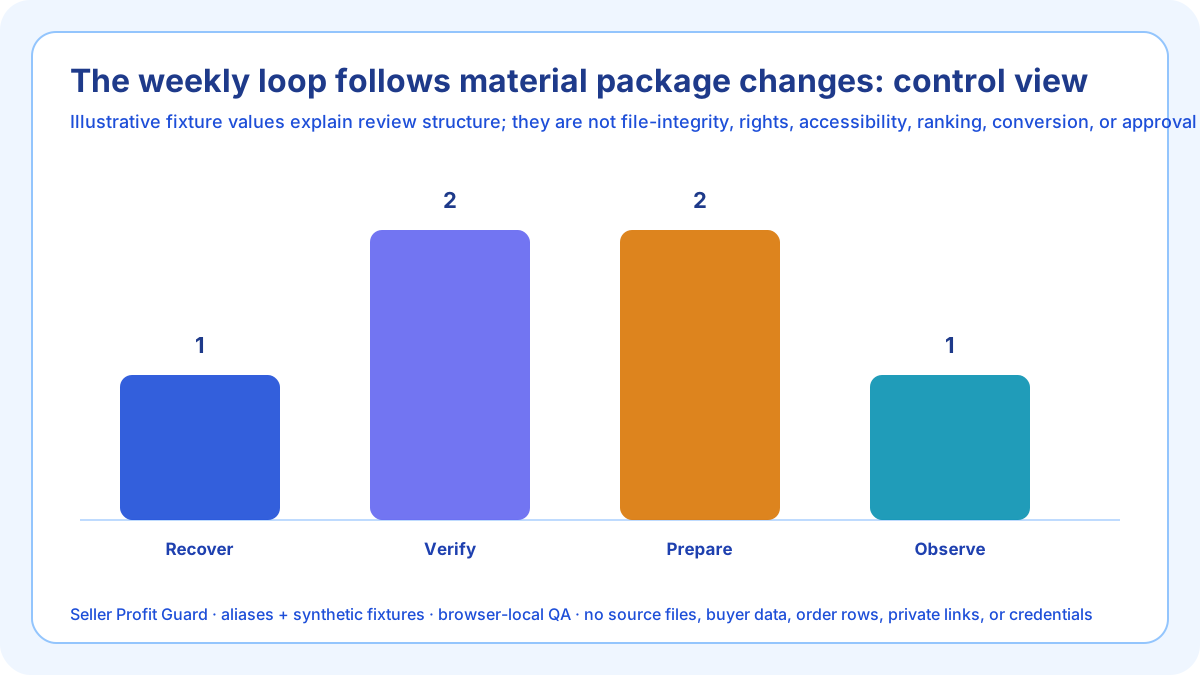
Before replacing listing files, preserve the weekly digital release register, current attachments, listing copy, previews, buyer note, manifest, source and export versions, dependencies, license, fixtures, approval, and rollback identifier. Confirm the correct account and listing. Safe-stop on login or CAPTCHA ambiguity, a platform warning, wrong profile, missing target context, private data, or unexpected editor behavior.
After one bounded change, verify one bounded tested package update on a clean browser or computer and deliberately revisit silent file replacement without recovery. Inspect buyer-visible file names, Highlights, description, previews, note, and actual opening or use path. Restore the approved previous package when a critical observation does not support an observed and reversible maintenance cycle.
Limits, privacy boundary, and next action
This guide and checker use seller-entered summaries, aliases, manifests, and synthetic fixtures. They do not upload, retrieve, open, extract, render, print, play, edit, scan, hash, deliver, license, approve, or certify files; determine eligibility, originality, rights, accessibility, tax, or legal compliance; reproduce Etsy systems; or predict ranking, clicks, reviews, conversion, sales, refunds, income, or AdSense approval.
Keep proprietary source assets, buyer customizations, customer names, emails, addresses, messages, order IDs, receipts, payment data, private links, license keys, credentials, OAuth material, and raw CSV rows outside the weekly digital release register. Repair the accountable source, rerun complete and crossed fixtures, release only the approved package, inspect public and delivery paths, and record verified closure or rollback.
Sources and further reading
- Etsy Help: How to Manage Your Digital Listings: Current instant and made-to-order paths, the applicable five-file and 20MB upload limits, supported extensions, buyer-visible naming rules, note-for-buyers behavior, and replacement workflow.
- Etsy Help: How to Download a Digital Item: Current buyer download path, payment-confirmation timing, mobile-app limitation, browser and computer access, guest access, troubleshooting, and support boundary.
- Etsy Help: How to Create a Listing: Current physical-versus-digital selection, file attachment, description, preview, personalization, and digital-variation boundaries.
- Etsy Help: How to Add Variations for Your Listings: Current explicit boundary that listing variations are not supported for digital item listings.
- Etsy Help: How to Offer Custom Items: Current boundary that private custom listings cannot be created for digital items and made-to-order digital listings are the supported custom-file path.
- Etsy Creativity Standards: Current seller-designed digital-download path and human-creative-contribution boundary.
- Etsy Intellectual Property Policy: Current seller responsibility for necessary rights and Etsy's stated legal-advice boundary.
- Seller Profit Guard methodology: Evidence hierarchy, privacy-safe fixtures, deterministic review, uncertainty, bounded release, public feedback, and recovery.
Related Seller Profit Guard tools
- Open the Etsy Digital Listing File Checker: Review delivery path, file manifest, package scope, compatibility, license, previews, support, issues, and evidence.
- Check Etsy category fit: Keep physical-versus-digital category review separate from the file-package audit.
- Check Etsy description clarity: Reconcile buyer-facing promises with the delivered digital package.
- Check Etsy photo coverage: Review previews and listing-image evidence independently from file integrity.
- Check Etsy personalization instructions: Keep buyer-entered customization inputs separate from ready-made file delivery.
- Read the local-first methodology: Use synthetic fixtures, evidence versions, public verification, and rollback.
- Etsy Digital File Checker Inputs: Continue the file, scenario, evidence, decision, operating, interpretation, or audit workflow.
- Etsy Printable PDF File Example: Continue the file, scenario, evidence, decision, operating, interpretation, or audit workflow.
- Etsy Design Template Bundle QA: Continue the file, scenario, evidence, decision, operating, interpretation, or audit workflow.
- 14 Etsy Digital File Listing Mistakes: Continue the file, scenario, evidence, decision, operating, interpretation, or audit workflow.
- Reliable Etsy Digital File QA Sources: Continue the file, scenario, evidence, decision, operating, interpretation, or audit workflow.
Next step: Open the Etsy Digital Listing File Checker.
This is operational planning help, not tax, accounting, legal, financial, or platform-policy advice. Review the Terms and disclaimer, and verify current platform rules and fee assumptions before changing prices.