Twelve Etsy description clarity mistakes to repair
Last updated: 2026-07-29
Written and reviewed by Seller Profit Guard Editorial Team.
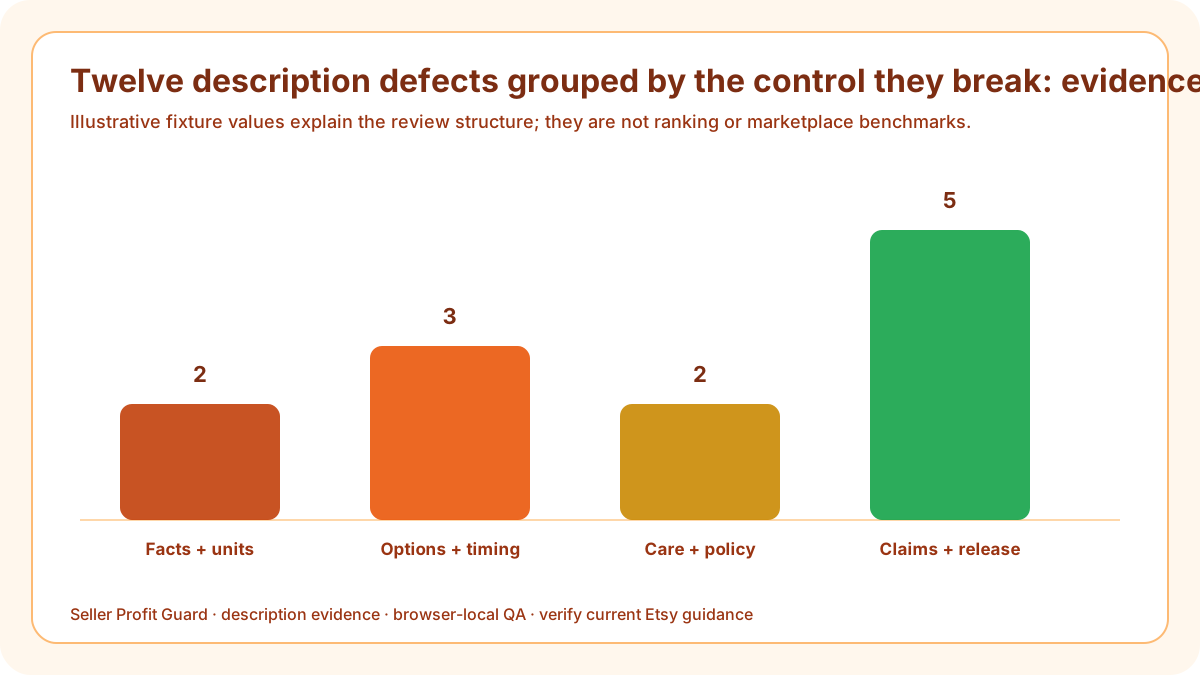
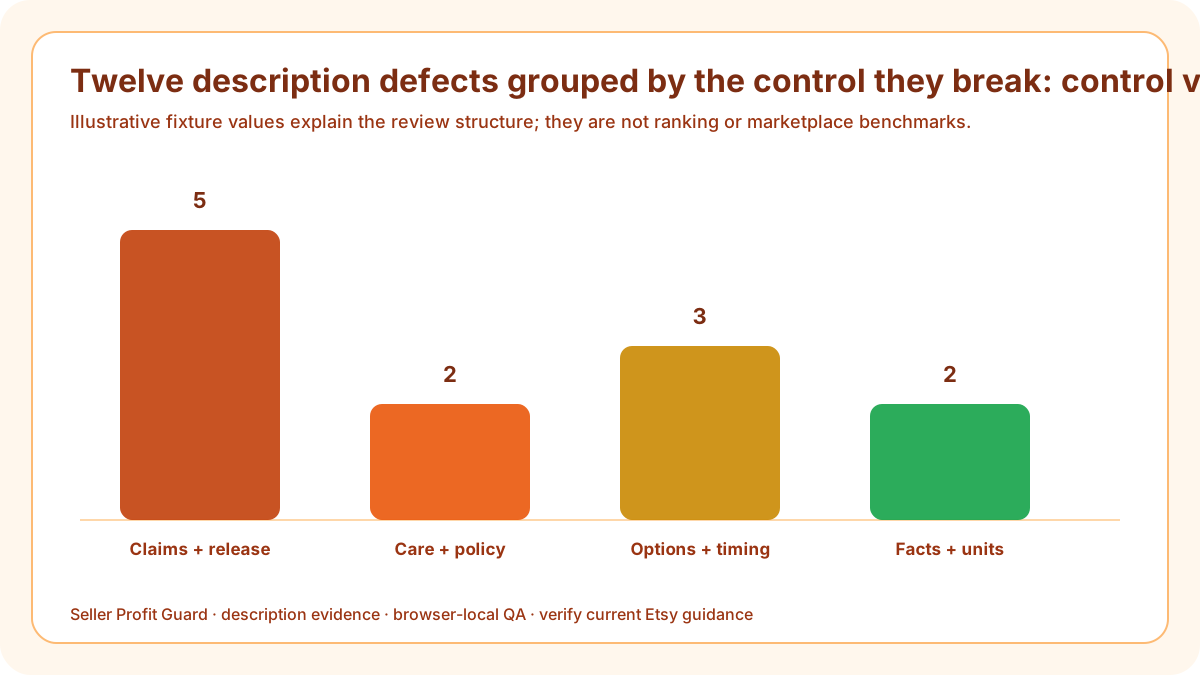
The most damaging description mistakes are burying the product identity, omitting units, contradicting variations or processing, mixing production and transit time, using vague personalization prompts, hiding required software or components, copying generic care, misstating policies, making unsupported claims, keyword stuffing, leaving stale facts, and editing without a rollback record.

What does this defect diagnosis page solve?
A defect guide should identify broken controls, not produce a list of stylistic dislikes. Each mistake below changes what a buyer understands, what operations can fulfill, or what evidence supports a claim. The register records consequence, severity, owner, correction, fixture result, and public verification.
Some errors are missing information; others are contradictions. Missing a care note may require a focused revision. Promising next-day dispatch against a made-to-order profile changes the commercial expectation. A named unsupported health or certification claim blocks release regardless of how complete the rest of the page appears.
Build the description defect register from current evidence
The repair order starts with the deliverable and critical claims, then moves through dimensions, choices, timing, care, policies, scannability, and release controls. Editing tone or adding keywords before resolving those layers can make a misleading description more persuasive without making it more accurate.
Use privacy-safe listing aliases and synthetic fixtures. Buyer names, messages, deadlines, addresses, order IDs, payment data, emails, and raw exports do not belong in the defect log. The aim is to reproduce the failure without exposing the person who encountered it.
Mistakes 1–2: buried identity and missing units
A story-first opening can hide what is sold, while a number without its component and unit creates false precision. Put the product noun and objective traits first. Pair every required dimension with the measured part, unit, method, option, and current SKU authority. This section belongs in the defect diagnosis because it changes a severity-ordered repair queue, not merely the tone of a sentence.
Name the broken control, consequence, severity, corrected example, owner, and retest evidence in the defect register. Apply it first to misleading personalized listing; keep a separate exception when the second case has different product facts, buyer choices, or operating authority.
Mistakes 3–4: option and timing contradictions
Descriptions often list a color, size, or personalization choice unavailable in the live controls, or promise a turnaround different from the processing profile. These are cross-field defects. Reconcile the product and operational records before rewriting the sentence. This section belongs in the defect diagnosis because it changes a severity-ordered repair queue, not merely the tone of a sentence.
Name the broken control, consequence, severity, corrected example, owner, and retest evidence in the defect register. Apply it first to stale copied description; keep a separate exception when the second case has different product facts, buyer choices, or operating authority.
Mistake 5: production versus transit
Processing time ends at carrier handoff; shipping or transit follows. Combining them into “arrives in five days” can create a guarantee neither production nor carrier evidence supports. State each window with its owner and avoid event-date promises unless a current workflow explicitly accepts them. This section belongs in the defect diagnosis because it changes a severity-ordered repair queue, not merely the tone of a sentence.
Name the broken control, consequence, severity, corrected example, owner, and retest evidence in the defect register. Apply it first to misleading personalized listing; keep a separate exception when the second case has different product facts, buyer choices, or operating authority.
Mistakes 6–7: vague personalization and hidden dependencies
“Add details below” does not tell the buyer which spelling, option, format, approval, or file is required. Likewise, a digital or custom item may depend on software, hardware, installation, or buyer response. Surface those dependencies before purchase. This section belongs in the defect diagnosis because it changes a severity-ordered repair queue, not merely the tone of a sentence.
Name the broken control, consequence, severity, corrected example, owner, and retest evidence in the defect register. Apply it first to stale copied description; keep a separate exception when the second case has different product facts, buyer choices, or operating authority.
Mistakes 8–9: generic care and policy invention
A copied care block can conflict with the actual finish or construction. A convenient return sentence can conflict with the active shop policy. Match each statement to the current product or policy authority and record the version used. This section belongs in the defect diagnosis because it changes a severity-ordered repair queue, not merely the tone of a sentence.
Name the broken control, consequence, severity, corrected example, owner, and retest evidence in the defect register. Apply it first to misleading personalized listing; keep a separate exception when the second case has different product facts, buyer choices, or operating authority.

Mistake 10: unsupported objective claims
Medical, hypoallergenic, safety, certification, durability, sustainability, compatibility, or guaranteed-result statements require evidence suited to the exact wording and scope. If the seller cannot produce it, remove or qualify the claim; do not hide it in an otherwise complete paragraph. This section belongs in the defect diagnosis because it changes a severity-ordered repair queue, not merely the tone of a sentence.
Name the broken control, consequence, severity, corrected example, owner, and retest evidence in the defect register. Apply it first to stale copied description; keep a separate exception when the second case has different product facts, buyer choices, or operating authority.
Mistake 11: keyword accumulation
Copying the title, tags, recipients, occasions, and synonyms into a dense opening makes the description harder to scan and can separate facts from their context. Use natural language, preserve important search terms where truthful, and prioritize the buyer's decision sequence. This section belongs in the defect diagnosis because it changes a severity-ordered repair queue, not merely the tone of a sentence.
Name the broken control, consequence, severity, corrected example, owner, and retest evidence in the defect register. Apply it first to misleading personalized listing; keep a separate exception when the second case has different product facts, buyer choices, or operating authority.
Mistake 12: no before state
A description edit can affect personalization, timing, links, policy references, and buyer expectations. Without the old copy, dependent controls, approval, and public observation, the seller cannot restore a stable state or learn which change created the discrepancy. This section belongs in the defect diagnosis because it changes a severity-ordered repair queue, not merely the tone of a sentence.
Name the broken control, consequence, severity, corrected example, owner, and retest evidence in the defect register. Apply it first to stale copied description; keep a separate exception when the second case has different product facts, buyer choices, or operating authority.
Run the misleading personalized listing and stale copied description checks
Open the Etsy Description Clarity Checker with a privacy-safe misleading personalized listing record. Enter the actual copy and six evidence groups, list every known unsupported claim, and save the expected outcome before running it. Repeat with stale copied description so the workflow demonstrates that it can expose a meaningful failure rather than rewarding form completion.
Compare each check, issue, evidence status, and decision with expectation. Investigate any drift before a live edit. Seller Profit Guard runs this QA in the browser and does not require buyer, order, payment, credential, or raw CSV data. Use aliases in durable reports and keep account access outside the public content system.
Release boundary, limitations, and next step
Back up the description and dependent controls, confirm the correct account and listing, apply one approved change set, and inspect the public page on mobile and desktop. Safe-stop on login or CAPTCHA ambiguity, platform warning, wrong profile, missing target context, or unexpected product state. Restore the saved values when the buyer view does not match approval.
The checker cannot verify product truth, Etsy policy compliance, intellectual-property rights, medical or safety claims, legal obligations, accessibility for every buyer, ranking, traffic, conversion, sales, refunds, or AdSense approval. Verify current Etsy guidance and appropriate evidence. Seller Profit Guard is unaffiliated with Etsy and provides operational listing QA, not professional advice.
Sources and further reading
- Etsy Seller Handbook: 5 tips for writing listing descriptions: Official inverted-pyramid, buyer-question, scannability, natural-language, and internal-link guidance.
- Etsy Seller Handbook: Handy item listing checklist: Official checklist for complete descriptions, exact dimensions, materials, process, and buyer-question review.
- Etsy Help: How to offer personalized listings: Official workflow for focused personalization fields and buyer-supplied information.
- Etsy Help: Processing times, profiles, and ship-by dates: Official definition of processing time, including creation time for custom items and variation-level profiles.
- Etsy Help: How to offer custom items: Official custom-request, deadline, private-listing, and maximum-processing-time context.
- Etsy Seller Policy: Current seller duties for honest and accurate item representation, marketplace eligibility, production-partner disclosure, privacy, and policy compliance.
- Etsy Medical Claims Policy: Current boundary for prohibited express or implied disease claims in listing titles, descriptions, images, tags, and other shop content.
- Seller Profit Guard methodology: Evidence hierarchy, privacy boundary, uncertainty labels, correction controls, and reversible release discipline.
Related Seller Profit Guard tools
- Open the Etsy Description Clarity Checker: Compare buyer-facing copy with product, size, processing, care, policy, personalization, and claim evidence.
- Check Etsy attribute coverage: Reconcile structured listing facts before writing prose around them.
- Check Etsy category fit: Confirm the product classification before description QA.
- Review Etsy variation and SKU controls: Keep buyer choices, inventory records, photos, price, and copy aligned.
- Read the local-first methodology: Use evidence without copying private customer, order, or credential data.
- Read the editorial policy: Review sourcing, authorship, corrections, and publication controls.
- Etsy Description Clarity Formula: 10 Inputs: Continue the description evidence, buyer-question, decision, release, or audit workflow.
- Etsy Description Checker: Personalized Example: Continue the description evidence, buyer-question, decision, release, or audit workflow.
- Etsy Description Checker for Made-to-Order Items: Continue the description evidence, buyer-question, decision, release, or audit workflow.
- Evidence Sources for Etsy Listing Descriptions: Continue the description evidence, buyer-question, decision, release, or audit workflow.
- Etsy Description Ready, Revise, Hold, Block: Continue the description evidence, buyer-question, decision, release, or audit workflow.
Next step: Open the Etsy Description Clarity Checker.
This is operational planning help, not tax, accounting, legal, financial, or platform-policy advice. Review the Terms and disclaimer, and verify current platform rules and fee assumptions before changing prices.