A reusable Etsy category fit checklist and change log
Last updated: 2026-07-29
Written and reviewed by Seller Profit Guard Editorial Team.
Record listing alias, old and proposed category paths, physical or digital format, product identity, material or files, buyer use, variation support, dated sources, passing and failing fixtures, exceptions, approval, public verification, feedback date, and rollback values. Exclude buyer, order, credential, and private message data from the audit packet.

What problem does this audit-template page solve?
A reusable record converts a audited path edit from an undocumented click into an auditable change. The audited path change record separates the marketplace label from the facts that make the label defensible. It records the selected path, actual item format, plain product documented definition, material or deliverables, primary buyer use, and option structure. That separation matters because a audited path is not an advertising phrase; it changes marketplace placement and the structured fields available in the listing editor.
Use the page when reviewing privacy-safe audit packet, preparing rollback rehearsal, changing a product or file set, or inheriting an old listing whose classification is unclear. The purpose is a bounded operating closure status: Close the record only after the approved public state or restored rollback state is independently confirmed. It does not retrieve an Etsy taxonomy, log in to a shop, inspect private account data, or claim that one branch will create impressions, clicks, or sales.
Check physical or digital format as a hard approval owner
Etsy's current listing workflow asks whether the listing is a physical item or digital files. The entered audited path audit evidence must support the same format. If the product record says digital while the audited path scope says physical, stop. That contradiction is more important than overlapping words elsewhere because it changes delivery, buyer expectations, files or shipping, and the listing controls that follow.
Digital listings need a further delivery note: instant download or made to order. Physical listings need fulfillment and option audit evidence appropriate to a tangible item. The checker does not infer either fact from a title. Record the choice from the live editor and pair it with the actual fulfillment process so the before state remains usable after a reviewer or interface change.
| Control | privacy-safe audit packet | rollback rehearsal |
|---|---|---|
| Item format | Physical | Case-specific |
| Core documented definition | One verified product noun | One separate product noun |
| Evidence | current editor snapshot, product record, option map, and review date | Independent current audit evidence |
| Decision | Pass / correct / hold / block | Never inherited |
Release one bounded audit-template correction
Create local and remote narrow backups before a production audited path edit. Confirm the correct account, profile, listing, and target context. Change only the approved classification set, then inspect newly added or removed attributes, options, shipping or file controls, title, tags, description, photos, price, SKU behavior, and the public buyer view on mobile and desktop.
Safe-stop on login or CAPTCHA ambiguity, a platform warning, a wrong profile, missing target context, or any unexpected product. A saved editor state is not completion. Record the exact public URL, verification time, observed audited path and options, and screenshots or privacy-safe notes needed to support the rollback value.
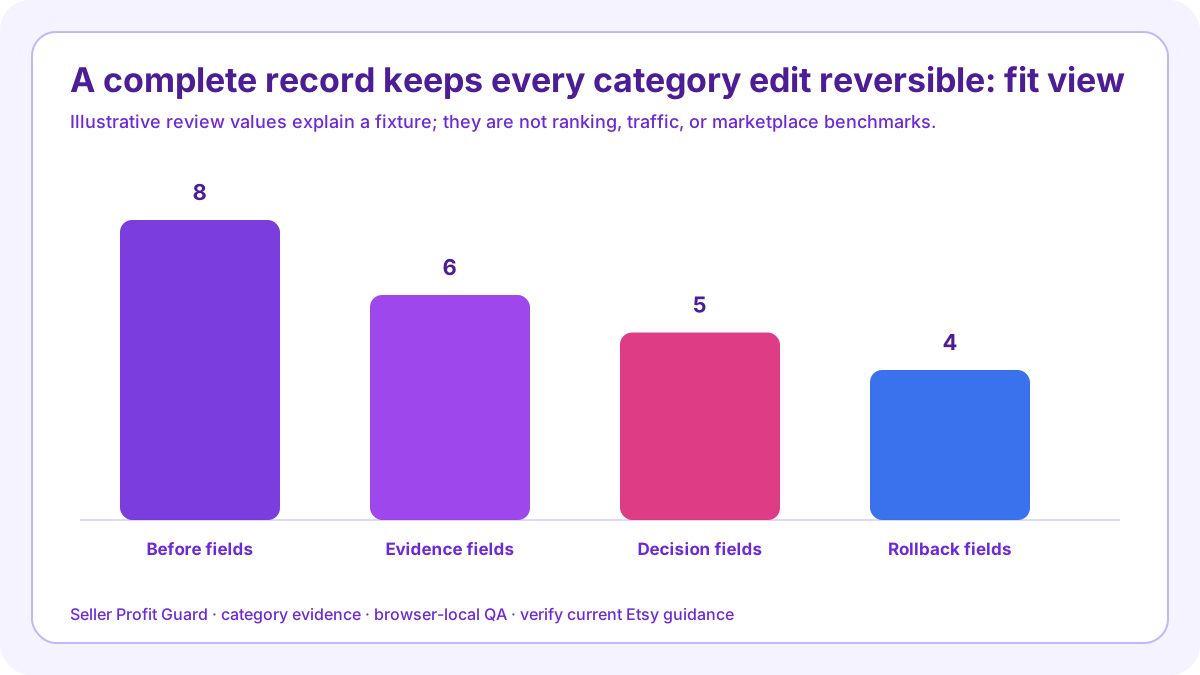
- Freeze the current audited path and dependent field values.
- Confirm one passing and one failing tool fixture.
- Apply one approved classification change.
- Inspect audited path-dependent fields and buyer options.
- Verify the public listing on mobile and desktop.
- Retain approval, live audit evidence, and rollback values.
What should the seller do next?
Open the Etsy Category Fit Checker and replace the example with one privacy-safe privacy-safe audit packet. Use the current editor and current editor snapshot, product record, option map, and review date; do not paste private customer or order information. Save the expected closure status, run the five checks, and resolve format or documented definition conflicts before lower-severity documentation gaps.
Repeat the failure fixture with rollback rehearsal, then route the result to pass, correct, hold, block, retest, or rollback. Seller Profit Guard is unaffiliated with Etsy. This guide provides operational listing QA, not legal, tax, accounting, safety, intellectual-property, marketplace-compliance, or ranking advice.
Identify the listing without private data
Use an internal alias or public listing URL only when appropriate. Exclude buyer names, email addresses, messages, order IDs, shipping addresses, payment data, raw exports, credentials, tokens, and OAuth material. It belongs in the audit template because it creates a field required to reproduce, approve, verify, or reverse the category change.
Complete the before state, source mapping, fixtures, approval, live observation, exception closure, feedback date, and rollback proof before closing the record. Keep unsupported fields in correct, hold, or block rather than filling them for completeness.
Capture before and proposed paths
Write the complete current branch and proposed branch, plus editor date and locale. Save category-dependent attributes and options that could disappear so restoration does not rely on memory. It belongs in the audit template because it creates a field required to reproduce, approve, verify, or reverse the category change.
Complete the before state, source mapping, fixtures, approval, live observation, exception closure, feedback date, and rollback proof before closing the record. Close the exception only after the intended buyer-facing state is observed.
Record the five product facts
Document physical or digital format, plain product identity, material or file manifest, primary buyer use, and variation structure. Each fact should point to a matched product authority rather than a search keyword. It belongs in the audit template because it creates a field required to reproduce, approve, verify, or reverse the category change.
Complete the before state, source mapping, fixtures, approval, live observation, exception closure, feedback date, and rollback proof before closing the record. Keep unsupported fields in correct, hold, or block rather than filling them for completeness.

Attach authority and freshness
For every category-scope statement, name the live editor or official source. For every product statement, name the specification, manifest, measurement, photograph, or SKU record. Add version, date, reviewer, and unresolved conflict. It belongs in the audit template because it creates a field required to reproduce, approve, verify, or reverse the category change.
Complete the before state, source mapping, fixtures, approval, live observation, exception closure, feedback date, and rollback proof before closing the record. Close the exception only after the intended buyer-facing state is observed.
Save fixture expectations
Include one passing input set and one controlled failure with expected warnings and final status. Rerun after code, content, or editor changes and record actual outputs so regression review remains objective. It belongs in the audit template because it creates a field required to reproduce, approve, verify, or reverse the category change.
Complete the before state, source mapping, fixtures, approval, live observation, exception closure, feedback date, and rollback proof before closing the record. Keep unsupported fields in correct, hold, or block rather than filling them for completeness.
Define approval and stop rules
Name who can approve the edit, which gaps permit correct or hold, which mismatches block, and which browser signals require safe-stop. Approval should precede the production click, not be reconstructed afterward. It belongs in the audit template because it creates a field required to reproduce, approve, verify, or reverse the category change.
Complete the before state, source mapping, fixtures, approval, live observation, exception closure, feedback date, and rollback proof before closing the record. Close the exception only after the intended buyer-facing state is observed.
Verify and log the public state
Record the public URL, time, mobile and desktop checks, visible format, identity, attributes, variations, price, imagery, delivery, and any discrepancy. A saved editor record does not close the audit. It belongs in the audit template because it creates a field required to reproduce, approve, verify, or reverse the category change.
Complete the before state, source mapping, fixtures, approval, live observation, exception closure, feedback date, and rollback proof before closing the record. Keep unsupported fields in correct, hold, or block rather than filling them for completeness.
Preserve rollback and feedback dates
Store the old path and dependent values, restoration trigger, recovery owner, and verification method. Schedule a later evidence and aggregate performance review without promising causation from the category change. It belongs in the audit template because it creates a field required to reproduce, approve, verify, or reverse the category change.
Complete the before state, source mapping, fixtures, approval, live observation, exception closure, feedback date, and rollback proof before closing the record. Close the exception only after the intended buyer-facing state is observed.
Sources and further reading
- Etsy Help: How to create a listing: Official category workflow, closest-match instruction, physical-versus-digital item format, item details, options, and publishing steps.
- Etsy Help: How to use attributes: Official explanation that category determines available attributes and that values should accurately describe the item.
- Etsy Help: How to manage digital listings: Official distinction between instant and made-to-order downloads, seller-created digital items, and current file workflow.
- Etsy Help: How to add variations: Official variation workflow, category-dependent controls, the two-attribute limit, and the current rule that digital listings do not support variations.
- Etsy Creativity Standards: Official made, designed, handpicked, and sourced classifications, including original digital designs and production-partner boundaries.
- Etsy Seller Policy: Current seller obligations for marketplace eligibility, honest and accurate item representation, production-partner disclosure, and policy compliance; category fit does not replace this review.
- Etsy Help: What can I sell on Etsy?: Official eligibility overview and links to Creativity Standards, prohibited items, image requirements, and seller responsibilities.
- Seller Profit Guard methodology: Evidence hierarchy, privacy boundary, uncertainty labels, local-first processing, correction controls, and release discipline.
Related Seller Profit Guard tools
- Open the Etsy Category Fit Checker: Compare category scope with product format, identity, material or files, use, and options.
- Check Etsy attribute coverage: Review relevant structured fields only after the category decision is accepted.
- Review Etsy listing title structure: Check buyer-readable title facts without using the title as category evidence.
- Review Etsy variation and SKU controls: Keep category-dependent options, stock records, and buyer choices coherent.
- Read the local-first methodology: Keep private orders, customer data, and credentials outside public tools.
- Read the editorial policy: See sourcing, correction, authorship, and publication controls.
- Etsy Category Fit Formula: Exact Inputs: Continue the category-format, product-identity, evidence, decision, or control workflow.
- Etsy Category Fit: Physical Jewelry Example: Continue the category-format, product-identity, evidence, decision, or control workflow.
- Etsy Category Fit for a Digital Download: Continue the category-format, product-identity, evidence, decision, or control workflow.
- 12 Etsy Category Fit Mistakes to Avoid: Continue the category-format, product-identity, evidence, decision, or control workflow.
- Etsy Category Fit Evidence Sources: Continue the category-format, product-identity, evidence, decision, or control workflow.
Next step: Open the Etsy Category Fit Checker.
This is operational planning help, not tax, accounting, legal, financial, or platform-policy advice. Review the Terms and disclaimer, and verify current platform rules and fee assumptions before changing prices.